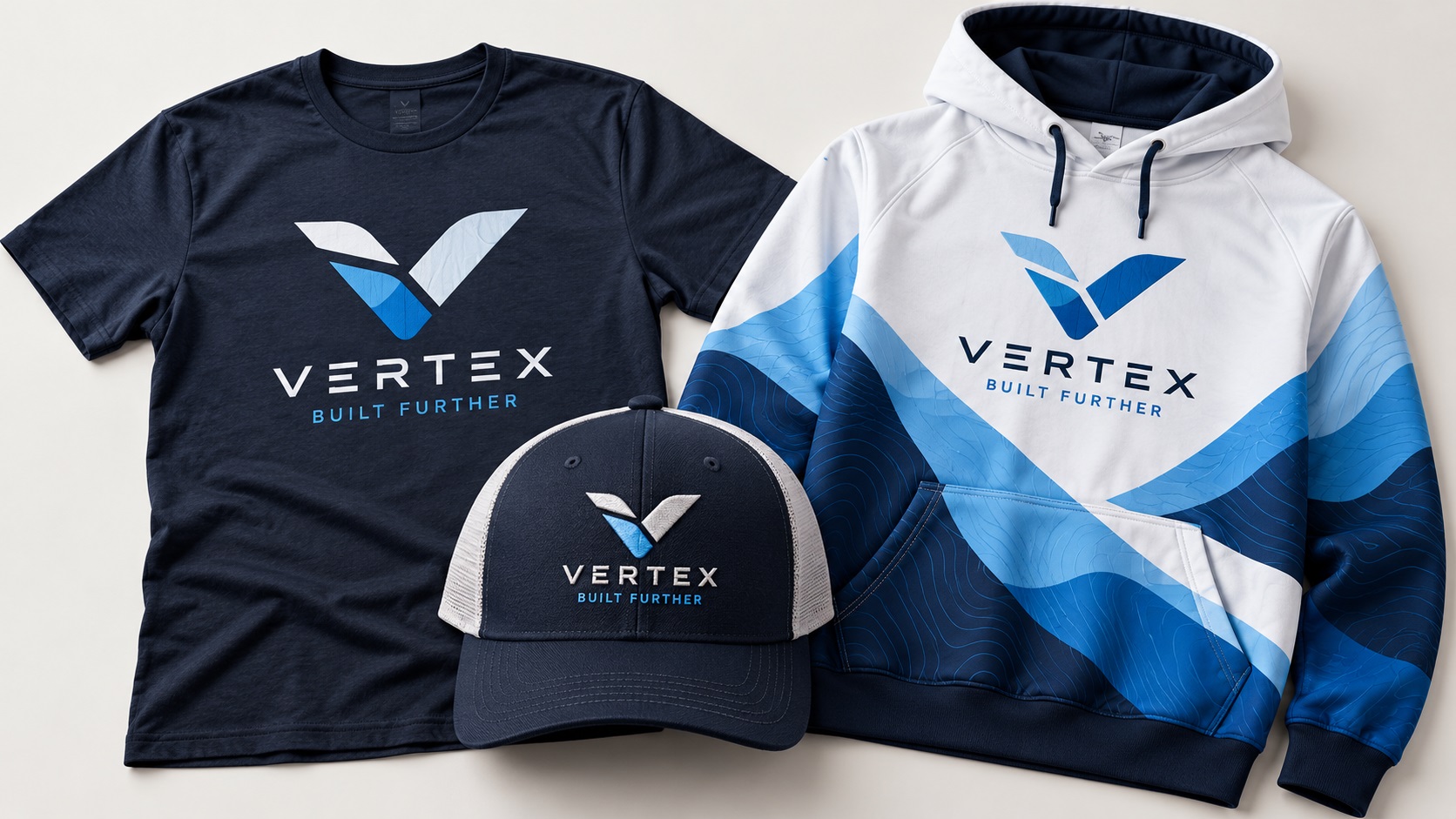
Getting a logo onto clothing is one of the most common things small businesses, sports teams, schools, and event organisers do. And yet it is one of the areas where file problems cause the most delays, extra costs, and disappointing results.
The garment printing industry in 2026 uses more methods than ever: screen printing, DTG, DTF, embroidery, sublimation, heat transfer vinyl, and more. Each method has different file requirements, and what works for one does not necessarily work for another.
Here is a practical guide to preparing your logo correctly for garment printing regardless of which method your supplier uses.
Know Your Printing Method First
Before preparing any file, confirm which printing method your garment supplier uses. This single piece of information determines every other decision.
Screen printing: Needs a clean vector file with flat separated colors. No gradients. Each color is a separate screen.
DTG (Direct to Garment): Accepts a high-resolution PNG at 300 DPI with a transparent background. Works best on 100 percent cotton in light colors.
DTF (Direct to Film): Accepts a high-resolution PNG at 300 DPI with a transparent background. More versatile than DTG across fabric types and colors.
Embroidery: Needs a clean vector source file for digitizing. The digitizer converts it to a stitch file. Fine detail and small text need simplification.
Heat Transfer Vinyl: Needs a clean SVG or vector file with defined cut paths. Single color or limited color layers.
Sublimation: Accepts a high-resolution PNG at 300 DPI in RGB color mode. Only works on polyester or polyester-coated surfaces.
File Format by Method
For screen printing, embroidery, and HTV: provide an AI or EPS vector file.
For DTG, DTF, and sublimation: provide a PNG at 300 DPI with a transparent background, exported from a vector source for the sharpest possible result.
If you only have a PNG and need screen printing, embroidery, or HTV, that PNG needs to be converted to a clean vector file before your supplier can use it.
Color Setup
For screen printing, specify colors as Pantone references. Each Pantone code gives the printer a precise ink mixing target. Without Pantone codes, the printer matches by eye and results can vary between runs.
For DTG and DTF, build your artwork in RGB. These processes handle color similarly to inkjet printing and RGB gives the most accurate output.
For sublimation, always use RGB and be aware that colors print onto polyester differently than they appear on screen. A test print on the actual fabric is worth doing for color-critical work.
Artwork Size and Placement
Know the print area before building your file. Standard placements and typical maximum sizes:
- Left chest logo: typically 80 to 100mm wide
- Full front: typically 300 to 350mm wide
- Full back: similar to full front
- Sleeve: typically 60 to 80mm wide
- Cap front: typically 70 to 80mm wide
Build or size your artwork to the actual print dimensions before sending. Suppliers sometimes adjust artwork that is not the right size, and this can affect proportions in ways you did not intend.
What to Check Before Sending
- Confirmed the printing method
- Logo in the correct format for that method
- Colors specified correctly for the method
- Artwork sized to the actual print area
- Text converted to outlines (for vector submissions)
- No gradients in files going to screen printing or HTV
- Transparent background on PNG files going to DTG, DTF, or sublimation
Frequently Asked Questions
Can I use the same file for screen printing and DTG?
Not directly. Screen printing needs a flat-color vector. DTG needs a high-resolution raster PNG. You can export a correctly sized PNG from your vector file for DTG use, and use the vector directly for screen printing.
My logo has a white element. Do I need to handle white differently?
For dark garments in DTG and DTF, white ink is printed as a base layer under the other colors. Your artwork should include white elements as defined shapes, not rely on the garment color to show through. For screen printing on dark garments, white is printed as its own color pass.
What is the minimum detail size for DTG printing?
DTG can handle finer detail than screen printing, but very fine lines and very small text can still look soft in the finished result. A minimum stroke width of around 1mm at the print size is a practical guideline for clean results.
Need artwork converted?
VectorFixer can redraw logos, convert PNG files to SVG, and prepare clean production-ready vector files.
Contact Us