The Problem
Not every SVG, EPS, AI, or PDF is production-ready
A file can technically be vector and still be hard to use. Auto-traced artwork may contain unnecessary points, jagged curves, overlapping shapes, hidden objects, or stray artifacts.
Vector Cleanup
Have an SVG, EPS, AI, or PDF with jagged edges, stray shapes, or unwanted cut lines? Send the file and tell me what is going wrong. I repair the paths rather than just changing the file extension.
Before
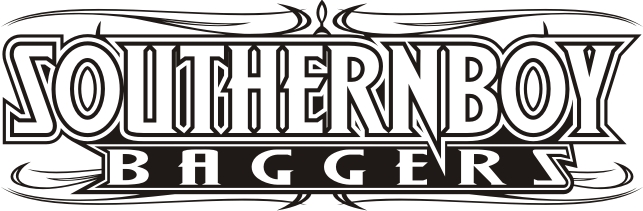
After

Before preview lightly blurred. Open either image for the unaltered file.
Relevant Work
Compare the original image with the redrawn artwork. See more examples in the portfolio.
Original file

Finished artwork
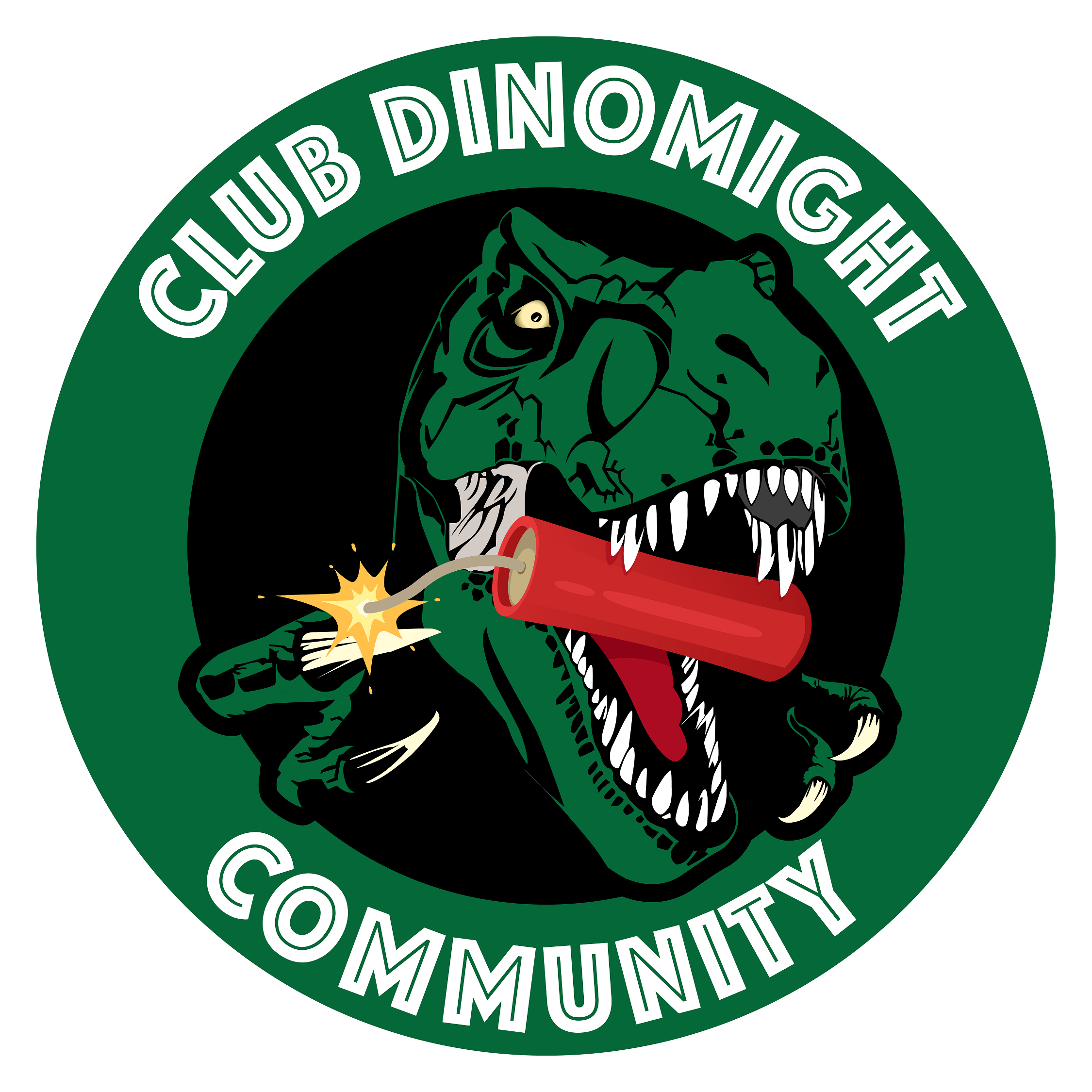
Same area, same magnification. Look at the edges of the letters.
Original file
Finished artwork
The Problem
A file can technically be vector and still be hard to use. Auto-traced artwork may contain unnecessary points, jagged curves, overlapping shapes, hidden objects, or stray artifacts.
The Fix
I remove stray points, smooth uneven curves, and fix unwanted overlaps. The cleanup follows the needs of your printer, cutter, or website.
Request a QuoteProcess
Send your current file and tell me where it needs to work. I’ll check it and confirm the price and delivery date before starting.
Upload your logo, screenshot, scan, SVG, PDF, or vendor instructions through the contact form.
I check what can be recovered, what needs redrawing, and which formats you’ll need.
I redraw the shapes or tidy the existing paths, then prepare the agreed formats.
You receive the finished files, with guidance on which version to send your printer or use online.
FAQ
It may have been auto-traced or exported poorly. Cleanup improves the actual paths and structure.
Yes. Unnecessary points and objects can often be reduced while preserving the artwork.
Often yes, especially for vinyl, engraving, apparel, and large-format output.
Request a Quote
Send the artwork you have and explain where you need to use it. I’ll check the file and let you know what the work involves.
Have a file but don’t know what needs fixing? Send it with your deadline and any printer’s instructions.
Upload Artwork