My logo is blurry or damaged
Keep the logo you recognise, with sharper edges and lettering that holds up when printed.
See Logo RedrawManual logo redraw
I redraw blurry PNG and JPG artwork into clean, scalable vector files, then supply the formats your printer or website needs.
Send your current file and intended use. I’ll confirm the scope, price, and turnaround.
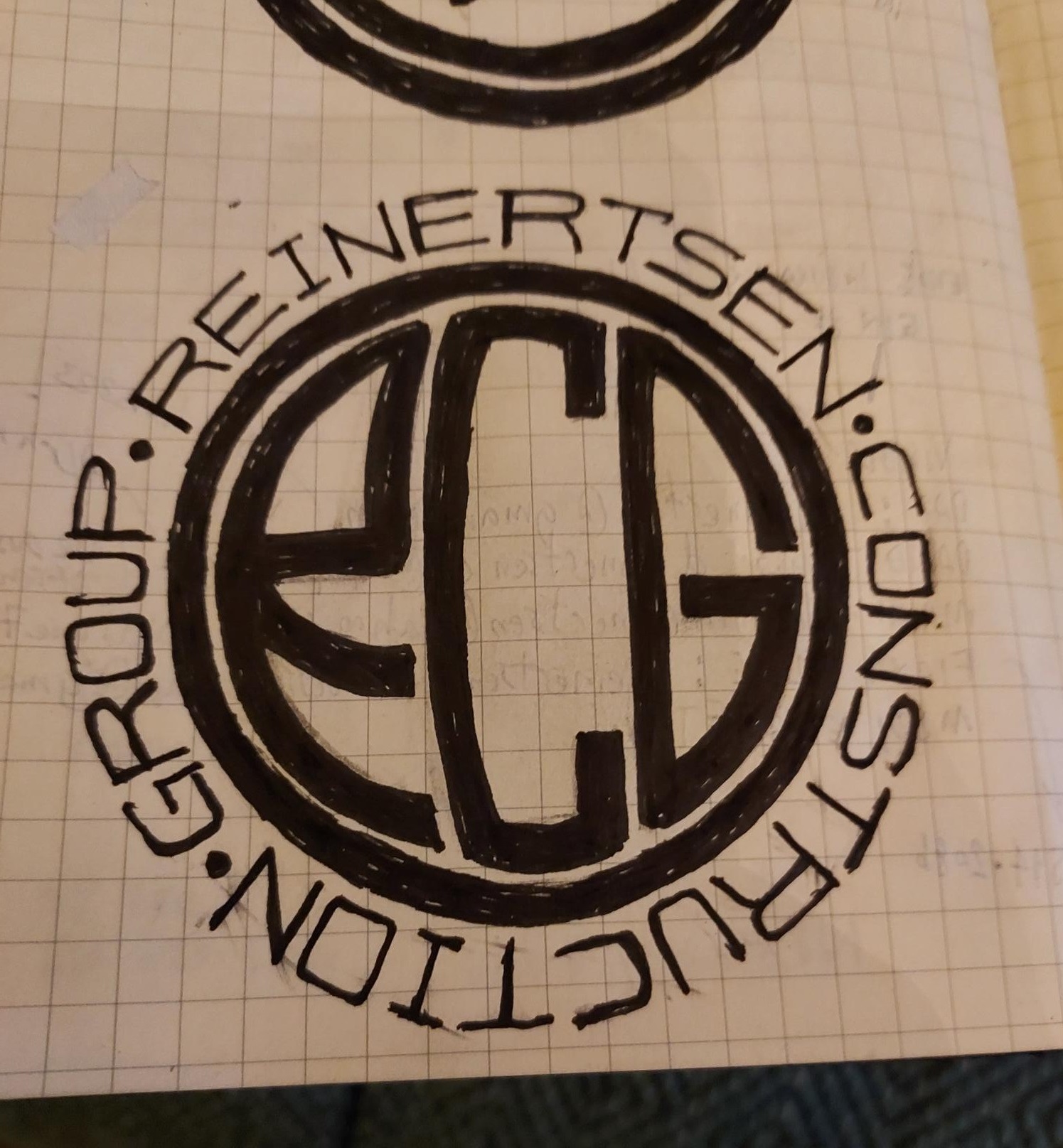
Before

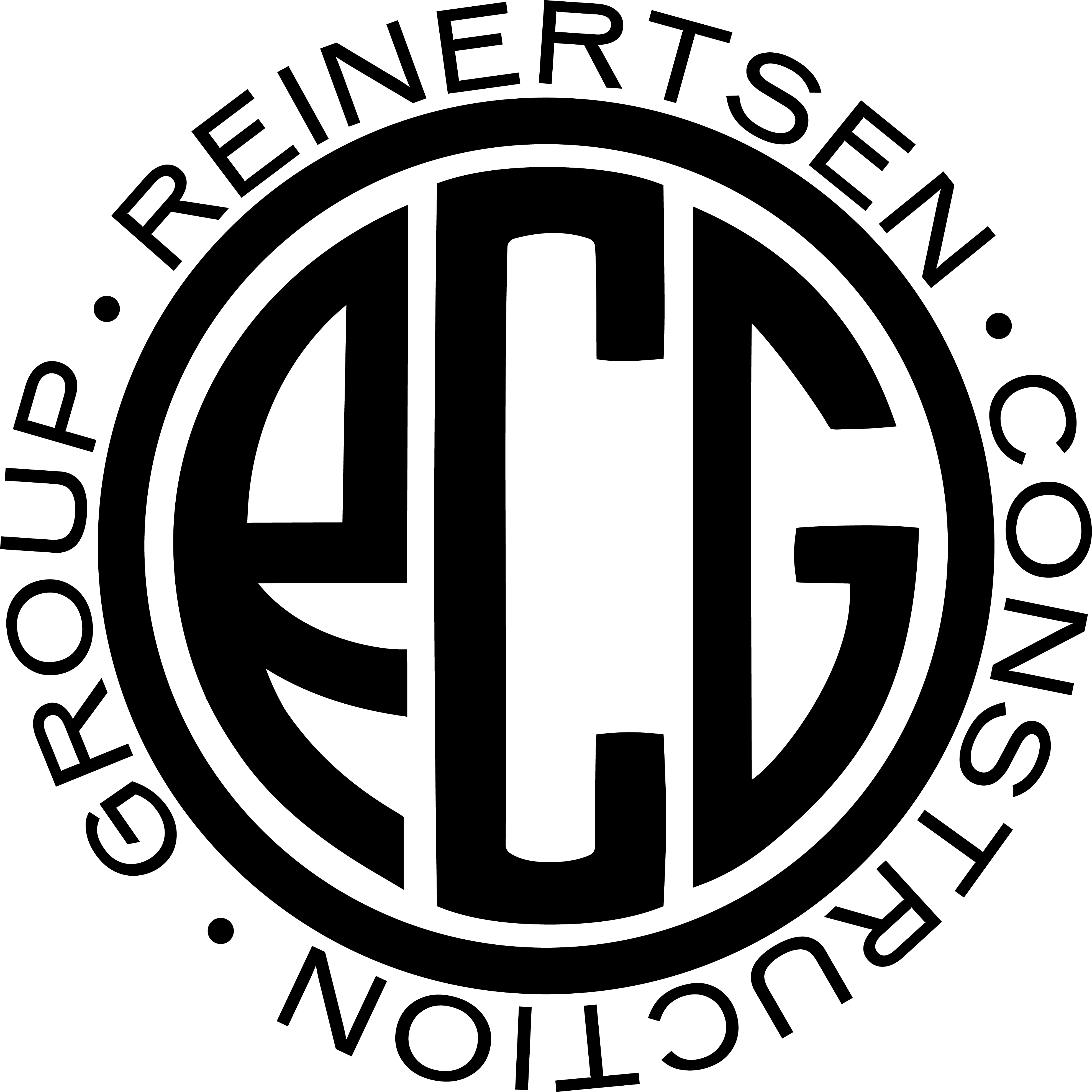
After
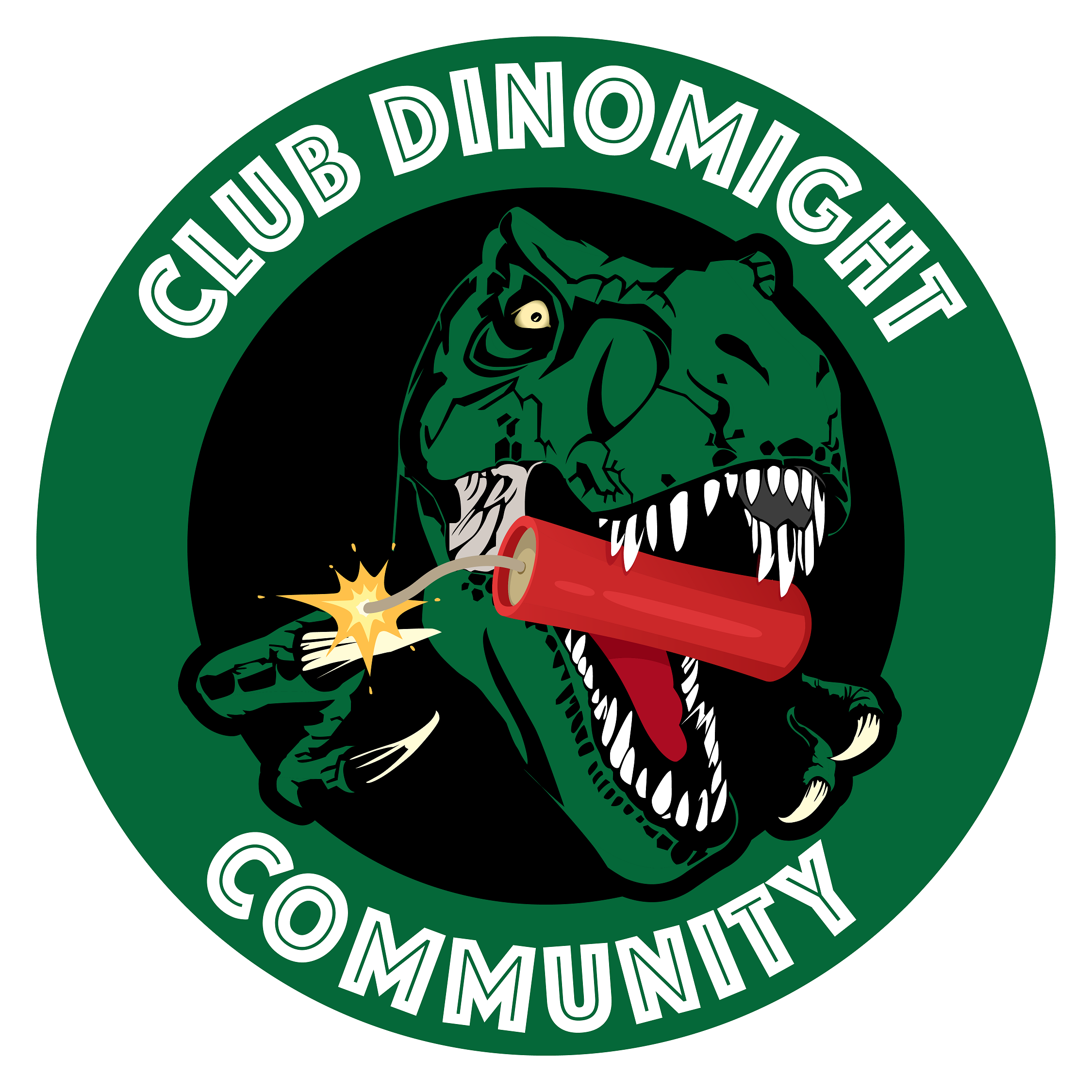
Before preview lightly blurred. Open either image for the unaltered file.
Send your artwork and project details any time.
For selected projects, depending on complexity.
Before / After
Original file
Finished artwork
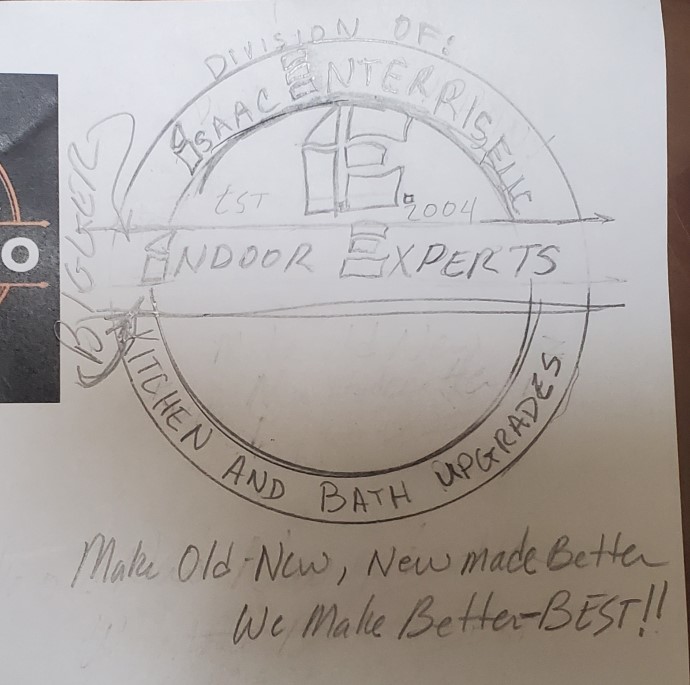
Same area, same magnification. Look at the edges of the letters.
Original file
Finished artwork
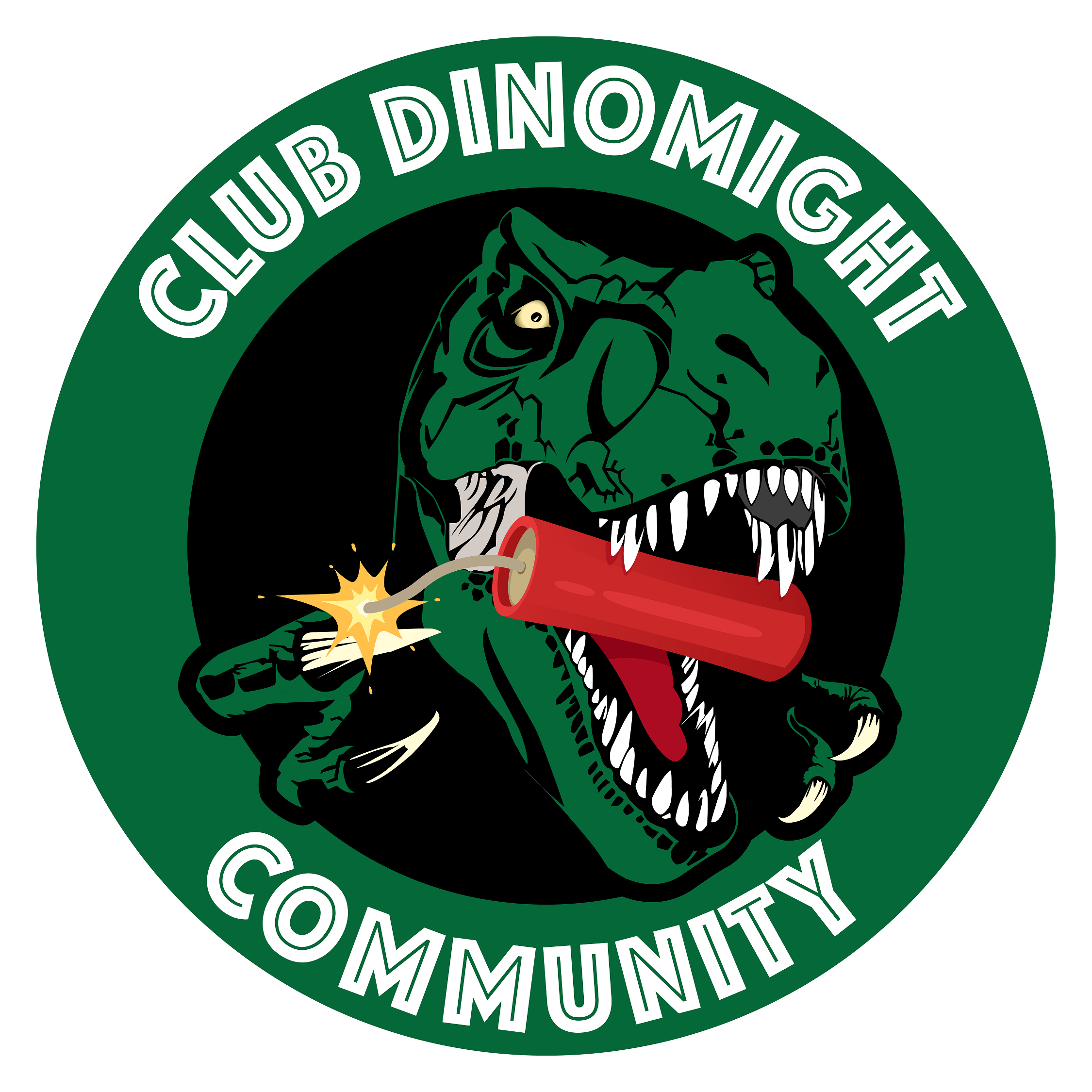
Original file

Finished artwork
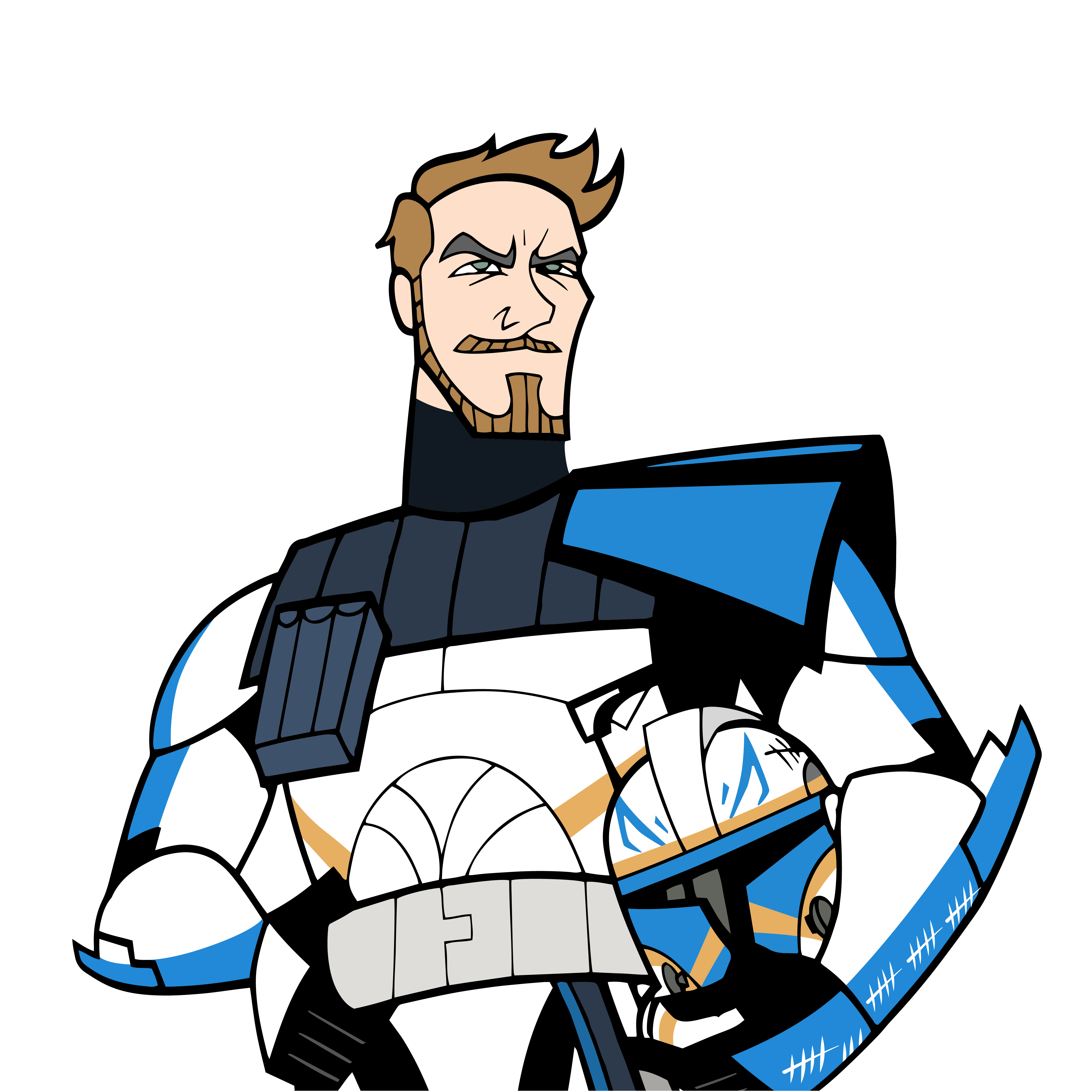
Original file
Finished artwork
Original file
Finished artwork

Find your fix
Keep the logo you recognise, with sharper edges and lettering that holds up when printed.
See Logo RedrawSend the file you have and the printer’s instructions. I’ll check what needs to be rebuilt.
See Vector ConversionClean up stray points, uneven curves, and unwanted shapes left by auto tracing.
See SVG CleanupProcess
Upload your file or share a link. Tell me where you’ll use it and when you need it.
I’ll check the file and confirm the price, scope, and delivery date before work begins.
I redraw or clean up the artwork and send the agreed print and web formats.
Client feedback from logo redraw, vector tracing, and print-ready artwork projects.
"Hire Frank! Fast, efficient and quality design."
Denis
Upwork
"Professional. Frank provided samples before assignment and delivered exactly what I requested."
Lefteris
Upwork
"Frank turned the project around fast and the work was exactly what I needed."
James
Upwork
FAQ
Common deliverables include SVG, EPS, PDF, AI, PNG, and other requested production formats.
Yes. Artwork is manually redrawn and refined for clean paths instead of relying only on auto trace.
Yes. Low-resolution logos can be redrawn into crisp vector artwork when enough visual detail is available.
Send your file and deadline. I’ll confirm a delivery date after checking the amount of redraw or cleanup needed.
Yes. SVG files are available for websites, cutting machines, print vendors, and design workflows.
Yes. Final files can be prepared for print, signage, embroidery, decals, and other production uses.
Quote Request
Tell me what’s holding up your project. I’ll check the artwork and explain what needs fixing.
Send the file you have, even if you’re unsure what’s wrong. Tell me where you need to use it.
Request a Quote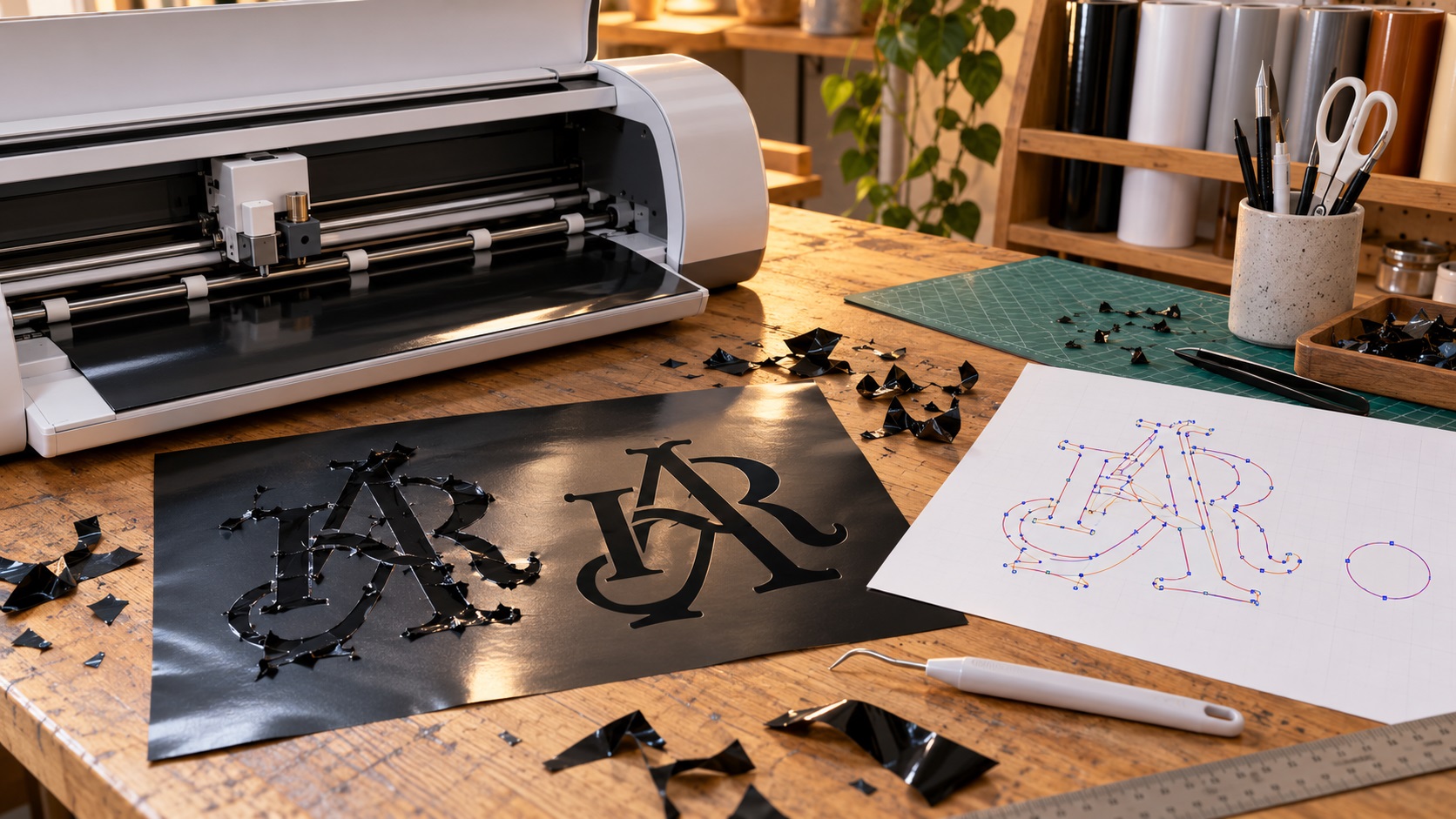
An SVG can look perfect but still cut with extra lines, missing holes, or dozens of unwanted pieces. Learn how to check the paths and prepare cleaner artwork for Cricut, Silhouette, and vinyl cutters.
Read Guide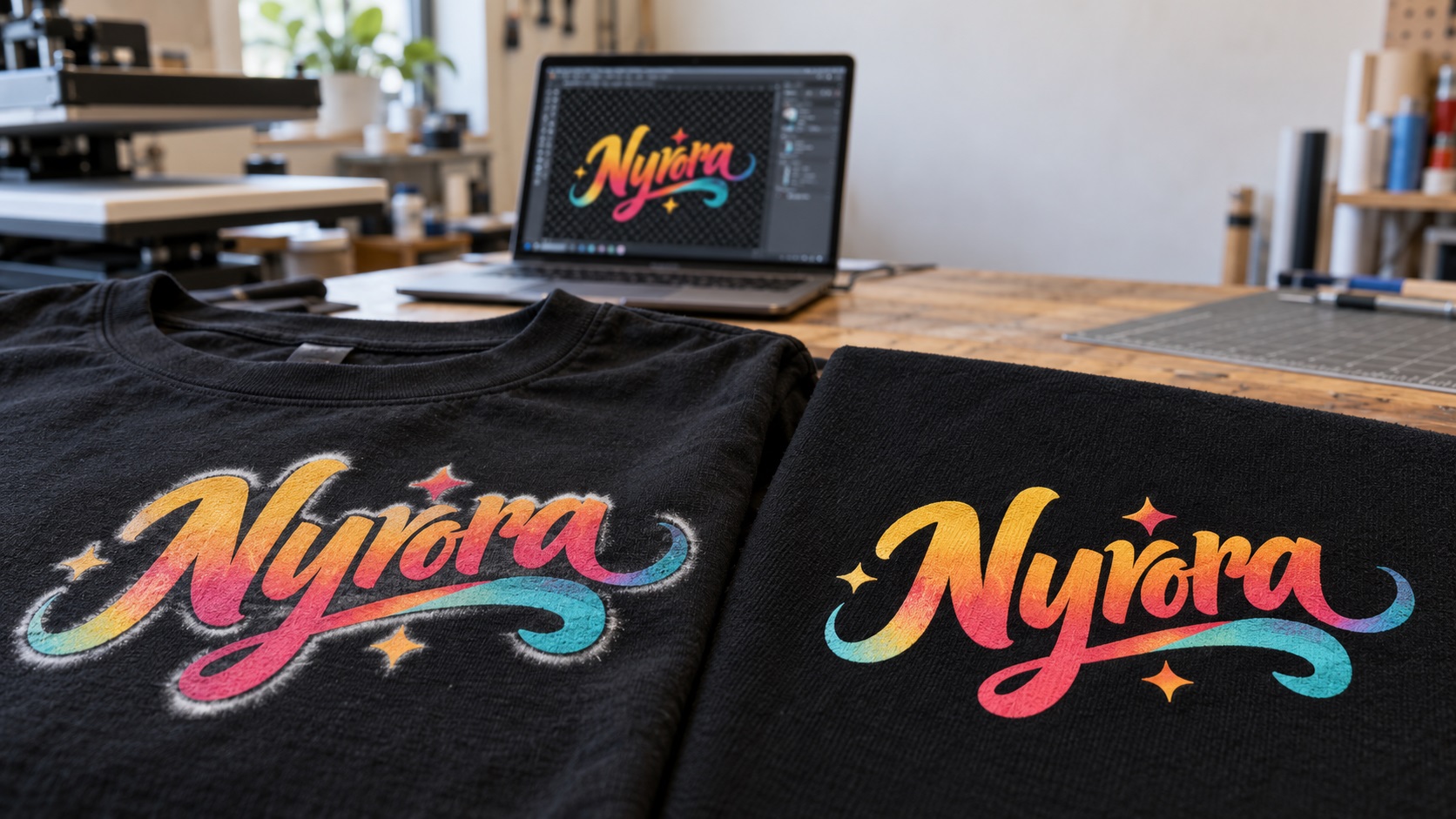
A white ring around your DTF logo can come from leftover image pixels or white-ink setup. Learn how to find the cause, clean your artwork, and avoid another bad transfer.
Read Guide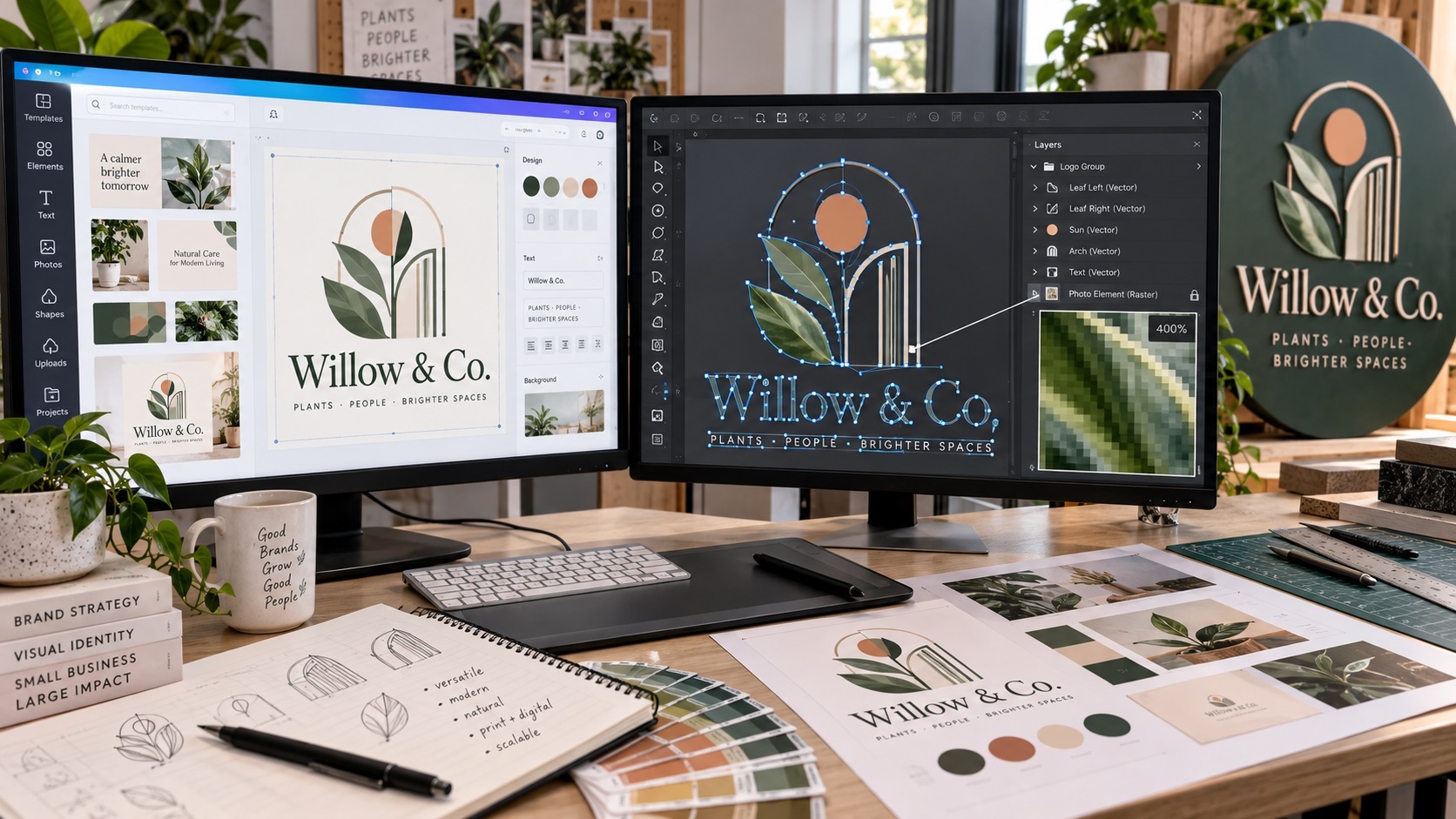
Canva can export SVG files, but the file extension alone does not guarantee every element in your logo is true vector artwork. Here is how to check what you actually have before sending it to a printer, sign shop, or production vendor.
Read Guide