You have a logo. A supplier needs it. You send it. They come back asking for something different. This cycle wastes time, delays projects, and costs money in file conversion fees.
The reason it keeps happening is almost always the same: most businesses have one version of their logo in one format, and that one version does not work for every supplier they will ever use.
Here is how to break the cycle once and get set up so any supplier you ever work with gets exactly what they need.
Why Suppliers Keep Asking for Different Files
Different suppliers use different production methods, and different production methods need different file formats. This is not the suppliers being difficult. It is the practical reality of how different production processes work.
A sign company uses software that reads vector paths. A screen printer needs flat color separations. An embroidery digitizer needs a clean source to build a stitch file from. A packaging printer wants a CMYK PDF. A web developer wants an SVG.
None of these requirements are unreasonable. They are the result of each production process having its own technical reality.
The One-Time Fix
The solution is to have your logo in a complete set of properly prepared files covering every format you are likely to need. When a supplier asks for a file, you open the folder and send the right one. No delays, no conversion fees, no back and forth.
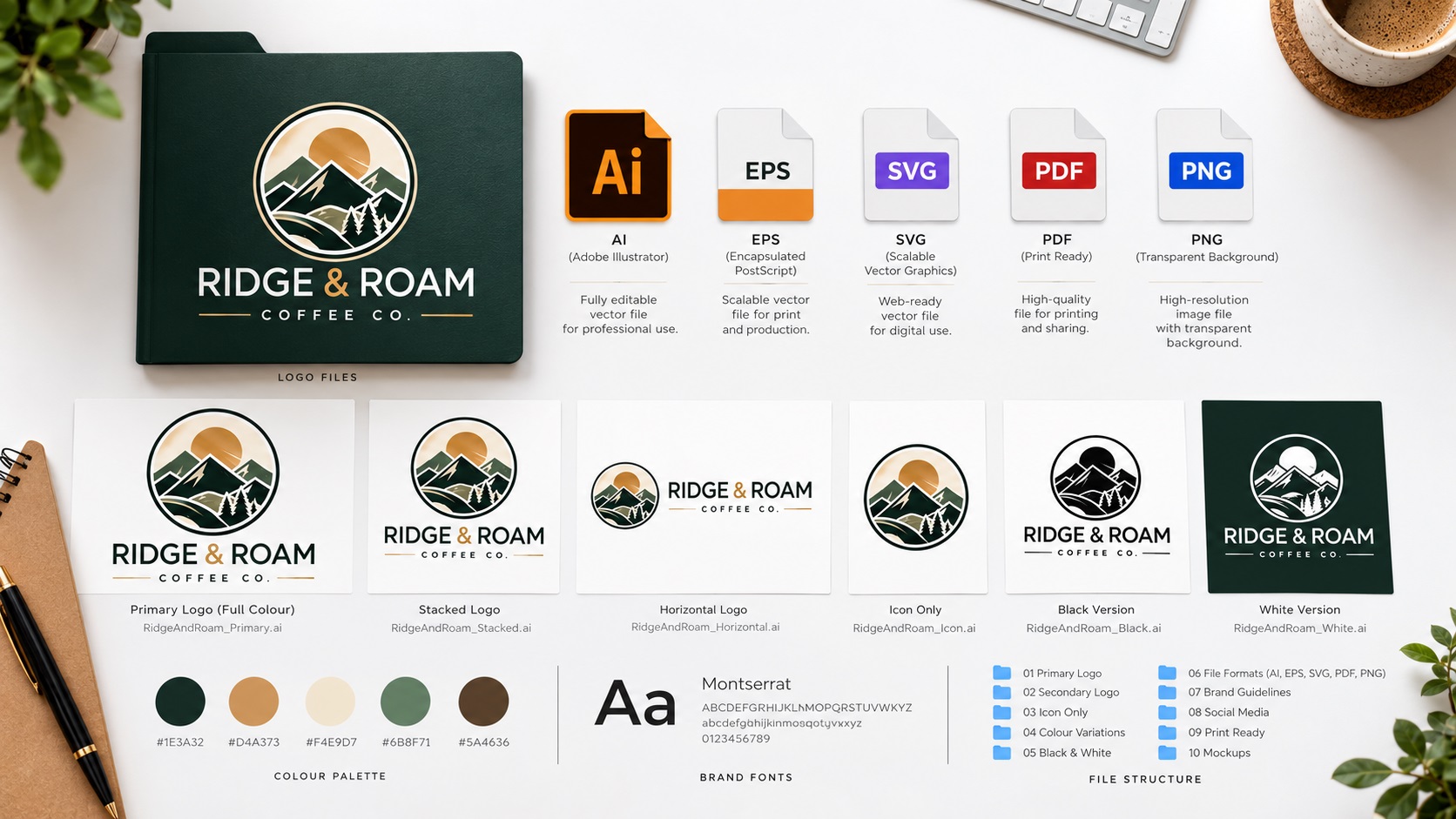
A complete logo file set includes:
For professional production vendors:
- AI file: the editable source file, for designers and suppliers who use Adobe Illustrator
- EPS file: the most universally compatible production format, accepted by sign shops, screen printers, embroidery services, packaging printers, and most other professional vendors
- PDF (vector-based): for commercial printers, formal documents, and anyone who needs a file they can open without specialist software
For digital use:
- SVG: for websites, apps, and digital interfaces where the logo needs to scale at any screen resolution
- PNG with transparent background: for social media, email signatures, presentations, and everyday digital use
Color variants:
- Full color version
- White version for dark backgrounds
- Single-color black version for engraving, single-color print, and stamps
What a Vector File Actually Is
Most supplier rejections happen because the logo only exists as a PNG or JPG, and the supplier needs a vector file.
A PNG or JPG is a raster image made of pixels. It looks fine on screen and prints acceptably at small sizes. Scaled up for a banner, a sign, or a vehicle, it goes blurry.
A vector file describes the logo using mathematical paths rather than pixels. It can be printed at any size, from a business card to a building, without any quality loss. This is why professional print vendors ask for vector files.
If your logo only exists as a PNG, converting it to a proper vector file is a one-time fix that solves the supplier problem permanently. A professional vectorization service manually redraws your logo as clean vector paths. The result looks identical to the original but works everywhere.
Common Supplier Requests and What They Mean
"We need an EPS or AI file" — They need a vector file. An EPS is the most compatible format for production vendors.
"We need a vector file" — Same as above. EPS or AI satisfies this.
"We need the file in CMYK" — They need the colors set to print mode rather than screen mode. A vector file rebuilt in CMYK covers this.
"We need a PNG with a transparent background" — They need the logo without a white box around it. A transparent PNG exported from the vector source covers this.
"We need the fonts outlined" — They need text converted to vector shapes so there is no font dependency. Standard in any professionally prepared vector file.
"We need it at 300 DPI" — For raster file requests, the image needs to be large enough at the print size. Starting from a vector and exporting at the required dimensions covers this.
How to Know If You Have the Right Files
Check what you currently have:
If your logo files end in .png, .jpg, or .jpeg only, you do not have vector files. You will keep running into supplier rejection until you get them.
If you have .ai, .eps, .svg, or vector .pdf files, you likely have what you need. Open the AI or EPS in Illustrator and check that the paths are clean and the text is outlined.
If you are not sure, the simplest test is to send your current file to a sign company or screen printer and ask if it is suitable. They will tell you within minutes.
Frequently Asked Questions
I have an AI file from my designer. Is that enough?
An AI file is the best possible starting point. You can export EPS, SVG, and PDF from it, and export PNG at any size. If the AI file has clean paths and outlined text, you are well set.
My logo was made in Canva. Can I get a vector from it?
Canva does not output true vector files that professional suppliers can use. A vector tracing service can take your Canva logo and produce the proper EPS, AI, and SVG files from it.
How much does getting a vector file made actually cost?
For a typical business logo, professional vectorization costs between $20 and $60 depending on complexity. It is a one-time cost. Compared to repeatedly paying supplier conversion fees or dealing with delays, it pays for itself quickly.
Will the vector version look exactly like my existing logo?
Yes. The goal of vectorization is to reproduce your existing logo accurately in a production-ready format. The design does not change.
Need artwork converted?
VectorFixer can redraw logos, convert PNG files to SVG, and prepare clean production-ready vector files.
Contact Us