You send a logo to a printer. They write back asking for an SVG file. You look at your folder and see a JPG, maybe a PNG, and have no idea what an SVG even is.
This happens all the time. SVG is one of those terms that gets thrown around constantly in design and printing, but nobody really explains what it means in plain language.
So here is a simple explanation.
SVG Stands for Scalable Vector Graphics
That name actually tells you everything you need to know.
The word "scalable" means the image can be made bigger or smaller without losing quality. The words "vector graphics" describe how the image is built.
Most images you come across every day are made of pixels. Think of pixels as tiny coloured squares arranged in a grid. A photo on your phone is made of millions of these squares. A JPG logo downloaded from a website is made of them too. When you zoom in far enough, you can see the squares. When you stretch the image too large, those squares become visible and the image looks blurry.
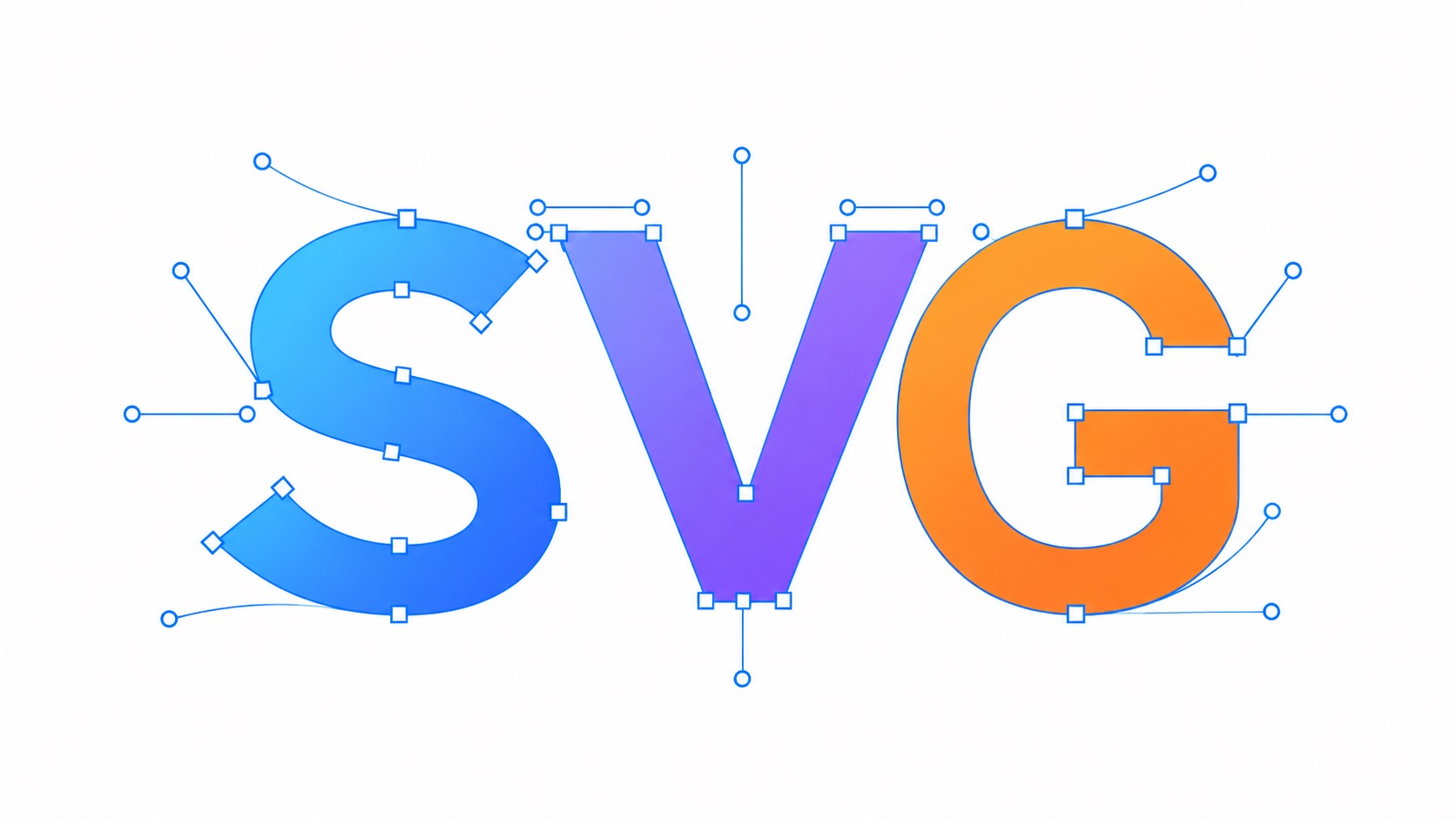
An SVG works differently. Instead of storing a grid of squares, it stores a set of instructions. Instead of "here are 10,000 coloured squares arranged to look like a circle," an SVG file says "draw a circle of this size, at this position, with this colour."
When you make the image bigger, the software just follows the instructions at the new size. The result is always sharp and clean, no matter how large you go.
Why Does Size Matter So Much?
For anything that only ever lives on a screen at a small size, it does not matter much. A tiny icon on a website will look fine as a PNG.
But the moment a logo needs to go on a banner, a vehicle, a shop sign, a uniform, or a billboard, size becomes everything. A JPG that looks fine on a business card can look completely broken at poster size.
An SVG never has that problem. The same file that looks good at thumbnail size will look just as good on the side of a building.
This is why printers, sign makers, and embroidery studios ask for SVG files. They need artwork that stays sharp no matter what size they print it at.
What Does an SVG File Actually Look Like?
If you opened an SVG file in a basic text editor, you would see something that looks like code. That is because SVG files are written in a language called XML. They are literally text files that describe shapes.
Here is a rough idea of what a circle in an SVG file looks like behind the scenes:
cx="100" cy="100" r="50" fill="red"
That is telling the computer: draw a circle centred at position 100,100, with a radius of 50, filled with red.
You do not need to understand any of that to use SVG files. Most people never open them in a text editor. The point is just that SVG files store shapes as instructions, not as pixels.
Where Are SVG Files Used?
SVG files are used anywhere that quality at multiple sizes matters.
Common uses include:
- Logo files sent to printers, sign companies, and manufacturers
- Website graphics such as logos, icons, and buttons that need to look sharp on all screen sizes
- Large-format printing including banners, posters, and exhibition displays
- Embroidery and screen printing where clean, defined shapes are needed
- Vinyl cutting and Cricut machines which follow vector paths to cut shapes
- Vehicle wraps and signage where artwork gets scaled to very large sizes
Can I Open an SVG File?
Yes. Most modern programs can open SVG files.
Adobe Illustrator is the industry standard for working with SVG files in a professional design context. Inkscape is a free alternative that works well. Most web browsers can display SVG files if you drag them into the browser window.
If you just want to view an SVG, dragging it into Chrome or Firefox will show you the image.
My Logo Is a JPG. Can It Become an SVG?
Yes, and this is something we do every day at VectorFix.
The process is called vector tracing or vectorisation. Your existing logo file is used as a guide, and a designer redraws it as clean vector paths. The result is a proper SVG file that can be scaled to any size.
You do not need to redesign your logo. You just need it converted from a pixel-based file into a vector file. Once that is done, you have a file that works for print, signage, embroidery, and anything else that comes up.
Frequently Asked Questions
Is SVG the same as PDF? No, but they are related. A PDF can contain vector artwork, and a well-made PDF with vector graphics will also scale without losing quality. SVG is a format designed specifically for vector graphics on screens and in design tools. PDF is more of a document format used for sharing and printing. Both are far better than JPG or PNG for logos.
Can I use an SVG file on my website? Yes. SVG is natively supported by all modern web browsers and is actually the recommended format for logos and icons on websites. SVG files are often smaller than high-resolution PNGs, which means pages load faster too.
Is an SVG file the same as a vector file? SVG is one type of vector file. EPS, AI, and certain PDFs are also vector formats. SVG is the most widely used and most versatile, especially for web use.
Why does my printer keep rejecting my JPG logo? Because a JPG is a pixel-based file with a fixed resolution. At large print sizes it looks blurry or blocky. Printers ask for vector files like SVG or EPS because those files stay sharp at any size.
Get Your Logo as an SVG
If you have been asked for an SVG file and only have a JPG or PNG, VectorFix can convert it for you. Upload your logo and we will send back a clean SVG file ready for print, web, or production use.
Need artwork converted?
VectorFixer can redraw logos, convert PNG files to SVG, and prepare clean production-ready vector files.
Contact Us