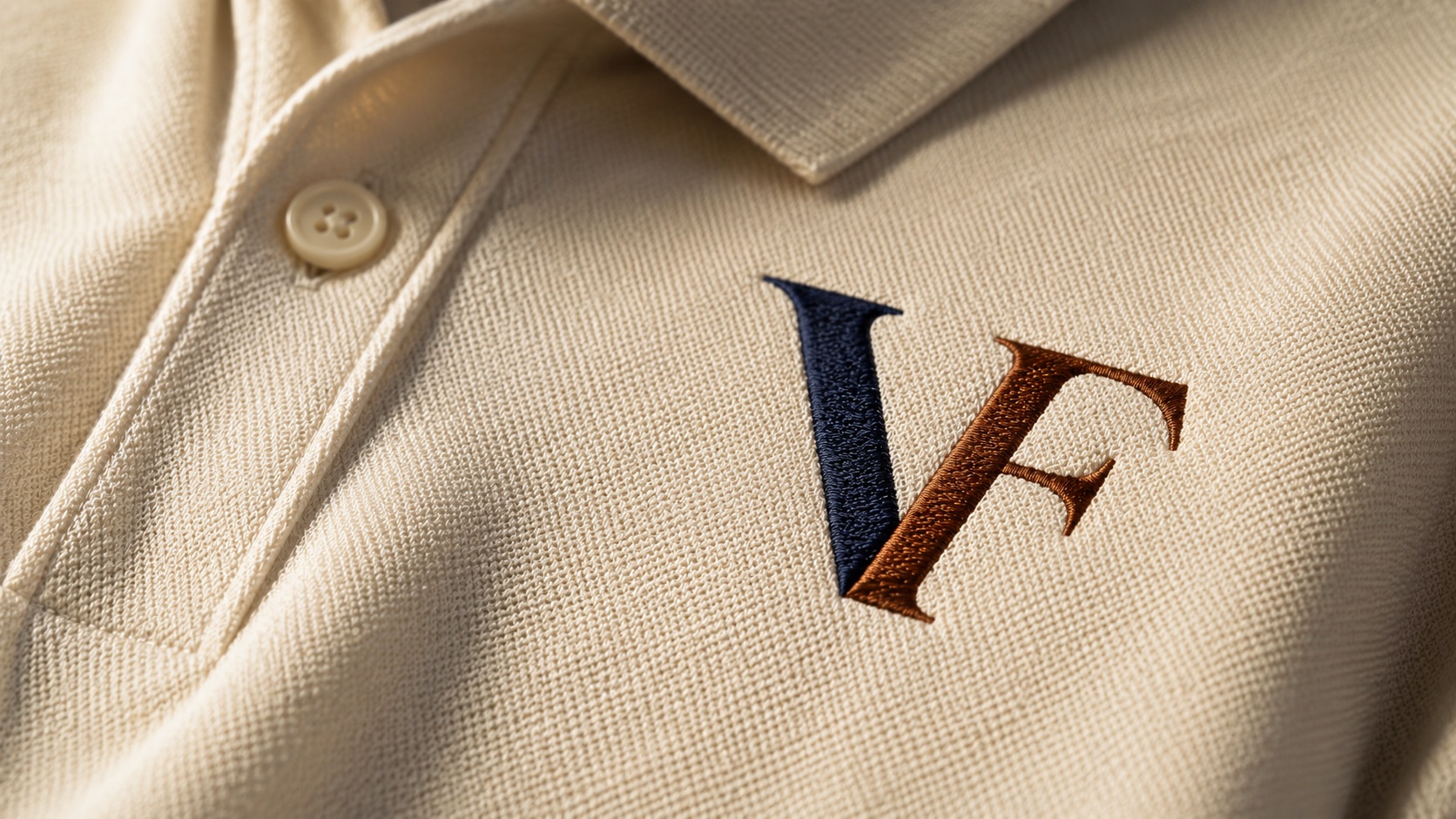
You order branded uniforms or embroidered caps for your team. You send the logo file you have been using for years. The embroidery company writes back saying they cannot use it and need something else. The order stalls.
This is one of the most common holdups in the branded merchandise process, and it almost always comes down to the same issue: the logo file is not in the right format for embroidery production.
Here is what you need to know before your next embroidery order.
Why Embroidery Is Different from Regular Printing
When you print a logo on paper or fabric using a standard printer, the machine lays down ink in a pattern that matches the image. It follows the pixels in your file.
Embroidery machines do not work with pixels or ink. They use needles and thread. The machine follows a set of instructions that tells it where to stitch, in what direction, and in what order.
Those instructions are stored in a special file format called an embroidery file, and creating that file is a process called digitizing. The person who does this work is called a digitizer.
To digitize a logo properly, the digitizer needs to be able to clearly see the shapes, edges, and colours in your design. If your logo file is blurry, too small, or has soft edges, the digitizer cannot do their job accurately. The result is stitch data that does not match your logo, and embroidery that does not look right.
What File Does an Embroidery Company Need?
Most embroidery companies will ask for a vector file. The most common formats they accept are:
- SVG (Scalable Vector Graphics)
- EPS (Encapsulated PostScript)
- AI (Adobe Illustrator)
- PDF (when the artwork inside is vector-based)
Vector files give the digitizer clean, clearly defined shapes with sharp edges. The colours are separated properly. The letterforms and outlines are precise. This makes the digitizing process faster and the result more accurate.
If you only have a JPG or PNG, many embroidery companies will still accept it, but they may charge more for the extra work involved, and the quality of the output depends heavily on how clear and large your file is.
What Happens if You Send a Bad File
Sending a low-quality or small raster file to an embroidery company creates a few problems.
First, the digitizer has to guess at details that should be obvious. If your logo has thin lines, small text, or tight curves, a low-resolution file makes it hard to see exactly what those elements should look like. Guesses get made. The final stitching may not match your original design.
Second, small files often get stretched to the embroidery size. When a 200-pixel logo gets blown up to cover a large area on a jacket, the blurriness that results makes it even harder to trace accurately.
Third, poorly separated colours in a raster file can result in embroidery with incorrect colour blocking. Thread colours are assigned based on the colour areas the digitizer can identify, so if those areas are not clearly defined, the colour breakdown may not be right.
How to Know if Your Logo Is Ready
Before you send your logo to an embroidery company, ask yourself a few quick questions.
Is the file a JPG or PNG? If yes, check how large it is. Open it and zoom in to 200 or 300 percent. If the edges look soft or you can see pixels, the file is not ideal. A vector file would be better.
Does your logo have very thin lines or very small text? This matters a lot for embroidery specifically. Thread has physical thickness, and detail that looks fine in print does not always translate to stitching. A good digitizer will advise you on what can and cannot be reproduced in thread at your chosen size.
Do you know the exact colours your logo uses? Embroidery uses thread colours, not printed ink. Thread brands like Madeira and Isacord have their own colour matching systems. Knowing your brand colours as Pantone references or hex codes helps the digitizer choose the closest thread match.
Getting Your Logo Converted Before You Order
If your logo only exists as a JPG or PNG and you need to place an embroidery order, the right move is to get it converted to a vector file first.
Vector conversion gives the digitizer clean, sharp, properly separated artwork to work from. The digitizing process is faster. The result is more accurate. You are less likely to go back and forth with corrections.
At VectorFix, we convert logos to clean vector files that are ready for embroidery digitizing. You receive SVG, EPS, and AI formats as standard, which cover the file requirements of virtually every embroidery company.
What Embroidery Companies Will Never Tell You
Most embroidery companies will work with whatever file you send. If your JPG is too small, they will stretch it and do their best. They will not always tell you that the result would have been better with a cleaner source file.
Asking upfront for their preferred file format and checking whether your logo meets that standard before you order takes a few minutes and can save you from redoing an order.
Frequently Asked Questions
What is the best file format for embroidery? For the digitizing process, a vector file in SVG, EPS, or AI format is best. For the actual embroidery machine, the digitizer will convert your artwork into a machine-specific format such as DST, PES, or JEF. You do not need to provide that format yourself.
My logo has a gradient. Will that work in embroidery? Gradients are difficult to reproduce in embroidery because thread colours are solid. A digitizer will usually convert gradient areas into solid colour regions or suggest an alternative approach. This is worth discussing before the order is placed.
How small can embroidered text be? As a rough guide, text below about 6mm in height starts to become hard to read in embroidery because the stitches are physically large relative to the letter size. Very small text in a logo may need to be simplified or slightly enlarged for embroidery use.
Do I need a new vector file for every embroidery order? No. Once you have a clean vector file, it can be used for every embroidery order going forward, regardless of size or item type. It is a one-time investment.
Ready to Get Your Logo Embroidery-Ready?
If you have a logo that needs to go on uniforms, caps, bags, or any embroidered item, start with a clean vector file. VectorFix converts JPG and PNG logos to professional vector files ready for embroidery digitizing. Upload your file and we will have it back to you fast.
Need artwork converted?
VectorFixer can redraw logos, convert PNG files to SVG, and prepare clean production-ready vector files.
Contact Us