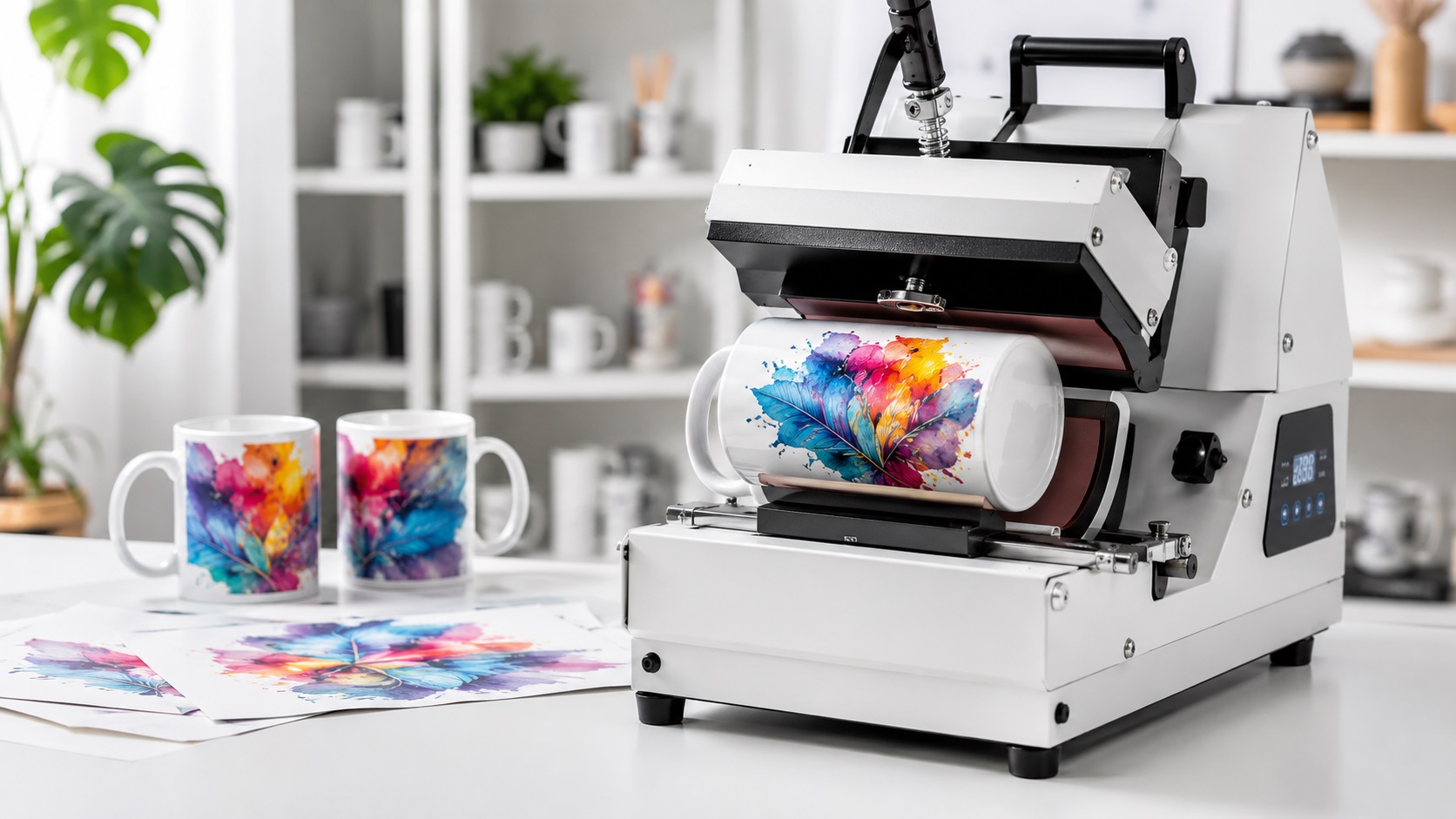
Sublimation printing has become one of the most popular methods for creating custom mugs, phone cases, tumblers, apparel, and all kinds of personalised products. The results look sharp, the colors are vibrant, and the prints are durable. But sublimation has its own file requirements that differ from screen printing, DTF, and standard inkjet printing, and getting those requirements wrong produces results that look nothing like what you expected.
Quick Answer
Yes, you can use a PNG for sublimation printing if it is high resolution, built at the final print size, and saved in RGB. A small PNG copied from a website will usually print soft. For logos, the safest workflow is to start with a clean vector file, then export a 300 DPI PNG at the exact template size.
Relevant VectorFixer service: Vector File for T-Shirt Printing.
Here is a plain explanation of what sublimation printing needs from your files.
How Sublimation Printing Works
Sublimation uses heat to transfer ink directly into the surface of a material rather than sitting on top of it the way regular ink does. The ink turns into a gas under heat and pressure and bonds with the polymer molecules in the substrate. Once cooled, the ink is permanently embedded in the material.
Because of this process, sublimation only works on materials with a polymer coating or a high polyester content. White or light-colored polyester fabric, polymer-coated mugs, tumblers, phone cases, and similar products all work well. Cotton fabrics, dark colored materials, and uncoated surfaces do not.
What File Format Sublimation Printing Needs
Unlike vinyl cutting or laser engraving, sublimation printing does not need vector files to function. The process is essentially a high-quality inkjet print transferred via heat, so it works from raster image files. The most common formats accepted are:
- PNG (preferred, especially for designs with transparent areas)
- JPEG (works for photos and designs without transparency)
- PSD (Photoshop files, accepted by many sublimation software platforms)
PNG is the most useful format for sublimation work because it supports transparency. On a white substrate, the transparent areas of your design simply show the white surface below, which works perfectly for most products. On a colored or patterned substrate, transparent areas would show whatever is underneath.
Resolution Is Critical for Sublimation
Because sublimation is a printing process and not a cutting process, resolution matters significantly. The industry standard for sublimation artwork is 300 DPI at the actual print dimensions.
This is different from large format printing, where viewing distance reduces the effective resolution needed. Sublimation products like mugs, shirts, and phone cases are often viewed and handled up close. Low resolution artwork becomes visible as softness or pixelation at these close viewing distances.
A design intended to cover the printable area of a standard mug, which is typically about 8.5 inches wide and 3.8 inches tall, should be at least 2550 by 1140 pixels at 300 DPI. A common mistake is creating artwork that looks fine on screen but is only 72 DPI, which will print noticeably soft.
Color Mode for Sublimation
Sublimation inks typically work in an RGB color space, not CMYK. This is the opposite of most professional print production, where CMYK is standard. Building your sublimation artwork in RGB mode tends to produce more accurate color results because the sublimation RIP software handles the color conversion to the printer's ink set.
If you typically work in CMYK, convert your artwork to RGB before setting up sublimation files. Colors that look accurate in CMYK can shift unexpectedly in the sublimation output if the file mode is not matched to what the printer expects.
Where Logos Need Special Attention in Sublimation
Logos present a specific challenge in sublimation because they often have fine text, sharp edges, and specific colors that need to reproduce accurately. A few things to watch for:
Start From a Vector If Possible
Even though sublimation accepts raster files, starting from a vector version of your logo and exporting it as a high-resolution PNG gives the sharpest results. A vector logo exported at 300 DPI at the intended print size will have cleaner edges on text and fine details than a raster logo that was resized.
If your logo only exists as a low-resolution PNG, it will look soft in the sublimated print, especially on text and sharp edges. Getting the logo vectorized and then exporting a proper high-resolution version fixes this.
Watch Colors on the Final Product
Colors in sublimation can shift depending on the substrate. A color that looks accurate on a white polyester shirt may look slightly different on a polymer-coated mug because the substrate material absorbs the ink differently. Testing on the actual product before a full production run is always worth doing.
Account for Bleed and Template Dimensions
Every sublimation product has its own printable area and template dimensions. A straight-sided tumbler has a different printable area than a tapered one. A 11oz mug has different dimensions than a 15oz mug. Always build your design using the template for the specific product you are printing on.
Most sublimation blank suppliers provide printable templates. Using these from the start prevents designs that do not align properly on the finished product.
Common Sublimation File Mistakes
Working in CMYK
Building sublimation artwork in CMYK and sending it without converting to RGB is one of the most common causes of unexpected color results. Colors, especially blues and reds, can shift significantly between CMYK and RGB.
Using a Logo That Is Too Small
A logo at 200 pixels wide placed into a mug template will print soft and blurry regardless of the DPI setting of the document. The actual pixel dimensions of the logo itself need to be large enough for the size it is being printed at.
Not Using the Correct Template
Guessing the dimensions of a sublimation product almost always results in a design that does not wrap properly, cuts off important content, or has odd white edges. Always use the manufacturer's template.
Forgetting to Mirror for Hard Substrates
For certain sublimation applications on hard substrates, the design needs to be printed in mirror image so it reads correctly after transfer. For apparel and soft goods, mirroring is not needed. Check the requirements for your specific product and printer.
Need a sharper logo for sublimation or shirts?
If your logo is only available as a small PNG or JPG, VectorFixer can rebuild it as clean vector artwork and export a high-resolution PNG for apparel or product printing. Use the project submission form to upload the artwork and include any vendor requirements.
Related Guides
Frequently Asked Questions
Can I use a PNG logo at any size for sublimation?
Only if the pixel dimensions are large enough for the print size at 300 DPI. A small PNG will print soft regardless of how it looks on screen.
Does sublimation work on dark shirts?
No. Sublimation ink is transparent and relies on the white substrate color to reflect the colors back. On a dark fabric, the ink is invisible. Sublimation only works reliably on white or very light-colored polyester.
Why do my sublimation colors look different from my screen?
Several factors contribute to this, including whether your file is in RGB or CMYK, monitor calibration, and the specific substrate absorbing the ink. Doing test prints on the actual product and adjusting accordingly is the most reliable way to dial in color accuracy.
Can I use the same file for sublimation and screen printing?
The design can be the same, but the file setup differs. Screen printing needs a vector file with CMYK or Pantone colors. Sublimation needs a high-resolution raster file in RGB. You would typically export different versions of the same design for each process.
What software do most people use to set up sublimation files?
Adobe Photoshop and Illustrator are common in professional settings. Canva is popular among hobbyists but has limitations around resolution control and color mode. CorelDRAW is also widely used in the sublimation industry.
Need artwork converted?
VectorFixer can redraw logos, convert PNG files to SVG, and prepare clean production-ready vector files.
Contact Us