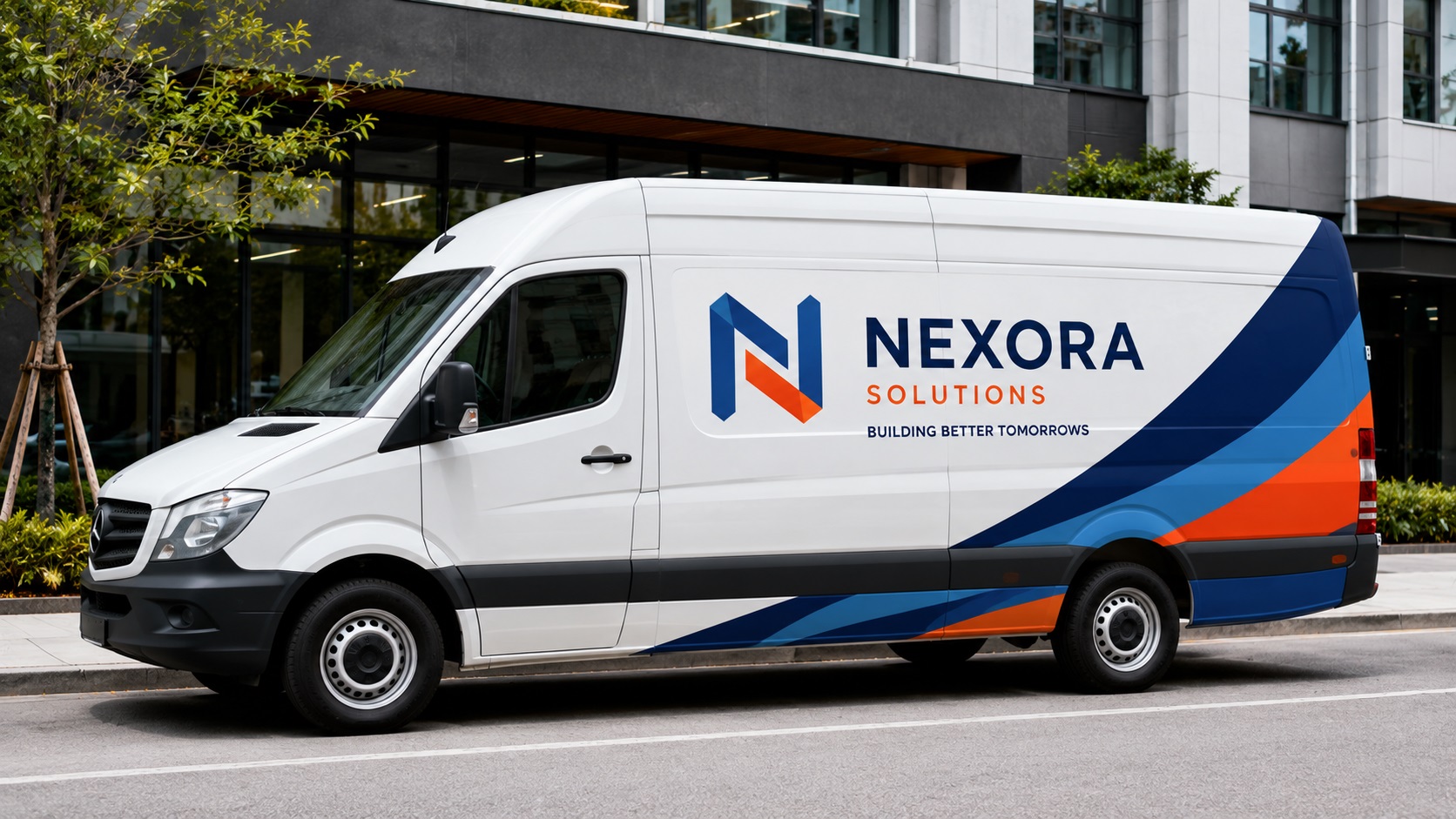
Quick Answer
For the logo itself, a vehicle wrap company usually wants vector artwork. Ask whether they prefer AI, EPS, vector PDF, or SVG before exporting. Photos and background images can be high-resolution raster files, but logos, text, icons, and cut shapes should be clean vector artwork so they stay sharp across a van, truck, trailer, or storefront vehicle graphic.
Relevant VectorFixer service: Print-Ready Vector Artwork.
Here is what your logo and artwork actually need to look like before a wrap shop can use them.
Why Vehicle Wraps Have Strict File Requirements
Vehicle wraps are printed very large. A full wrap on a cargo van might stretch across more than 100 square feet of vinyl. At that scale, any weakness in your file becomes obvious fast. A logo that looks sharp as a 500-pixel image on your phone will look completely blurry and pixelated stretched across the side of a van.
Wrap shops work at high speeds too. If your files are not ready, they have to either fix them (and charge you for it) or delay your job while you sort it out. Getting your files right before you walk in saves you time, money, and a lot of back and forth.
Vector Files Are the Standard for Logo Artwork
For any logo or text in a vehicle wrap, wrap designers need vector files. Formats like AI, EPS, SVG, and vector-based PDFs are what they are looking for.
Vector files are built from paths and points rather than pixels. This means they can be scaled to any size without losing sharpness. A vector logo looks just as clean on a business card as it does across the full side of a box truck. No blur, no pixelation, just sharp edges at any size.
If your wrap designer asks for a vector file and you send them a JPG or PNG, they may be able to work with it for background images or photos, but your logo will need to be recreated before it can be placed properly.
What About Photos and Background Images?
Not everything in a wrap design has to be a vector. Photos of products, people, or locations are raster images by nature, and wrap shops use them regularly. The key is resolution.
For large format print, the industry standard is generally 72 DPI at the actual print size. This sounds low compared to what you might expect for regular printing, but because wraps are viewed from a distance, the effective resolution is higher than it appears when you are standing right next to it.
The mistake people make is sending a photo that is 300 DPI at a small size and assuming that makes it high quality for a wrap. A photo at 300 DPI that is 4 inches wide becomes only 72 DPI once it is stretched to fill a large panel. Always check the actual pixel dimensions of your photo relative to how large it will be printed.
Common Logo File Problems Wrap Shops See
The Logo Is a PNG or JPG
This is the most common issue. Most small businesses have a PNG version of their logo and nothing else. For vehicle wraps, this needs to be converted to a proper vector file first. A wrap designer cannot resize a PNG logo to fill the side of a vehicle without the quality falling apart.
The Logo Came From a Website
Logos pulled from websites are usually very small and low resolution. They are designed to load fast, not to be printed at scale. A logo that is 200 pixels wide pulled from a site header is not usable for a wrap.
The File Is an AI-Generated Image
AI logo tools output raster images. Even if the design looks sharp on screen, it is still made of pixels. Scaling it to wrap dimensions will reveal every limitation in the file. AI-generated logos need to be redrawn as proper vector files before they can be used in a wrap.
Undefined Colors
Vehicle wraps are printed in CMYK. If your logo colors are only defined as screen colors (RGB or hex values), there can be a color shift once printed. Ideally, your vector file should include CMYK color values, and if color accuracy is critical to your brand, Pantone references help too.
How to Give Your Wrap Shop What They Need
Before you contact a wrap designer, gather the following:
- A vector version of your logo (AI, EPS, SVG, or vector PDF)
- Any other brand elements such as secondary logos, icons, or taglines, also in vector format
- Brand color values in CMYK or Pantone if you have them
- High-resolution photos if your wrap design will include them (at least 300 DPI at a small size, ideally larger)
- Any specific brand guidelines your company uses
If you can hand all of this to your wrap designer at the start of the project, the design process will go much faster and your final wrap will look exactly how you want it to.
Need your logo made wrap-ready?
If the wrap shop asked for vector artwork and you only have a PNG, JPG, or screenshot, VectorFixer can recreate the logo as clean production-ready files. Use the project submission form to upload the artwork and include any vendor requirements.
Related Guides
Frequently Asked Questions
My logo is a high-resolution PNG. Is that good enough for a wrap?
For background images or photos, a high-resolution raster file can work if the DPI is right for the print size. For logos and text, a vector file is still the better option. PNG logos tend to show soft edges and quality issues when printed at wrap scale.
Can my wrap shop convert my PNG logo to vector?
Many can, but they will usually charge extra for this. Getting your logo vectorized before you approach a wrap shop saves you that fee and speeds up the project.
What if my wrap has a lot of text?
Text should always be in vector format, either embedded in your design file or converted to outlines before submitting. Text that is not outlined can reflow or disappear if the wrap shop does not have the same fonts installed.
Does my whole wrap need to be a vector file?
Not necessarily. Background images and photos are typically raster, and that is fine as long as the resolution is appropriate. The logos, icons, and text should be vector.
Will the colors on my wrap look the same as on my screen?
Not always exactly. Screens display in RGB and prints are done in CMYK. Colors can shift, especially vibrant blues and greens. Discussing color expectations with your wrap shop early in the process helps avoid surprises.
Need artwork converted?
VectorFixer can redraw logos, convert PNG files to SVG, and prepare clean production-ready vector files.
Contact Us