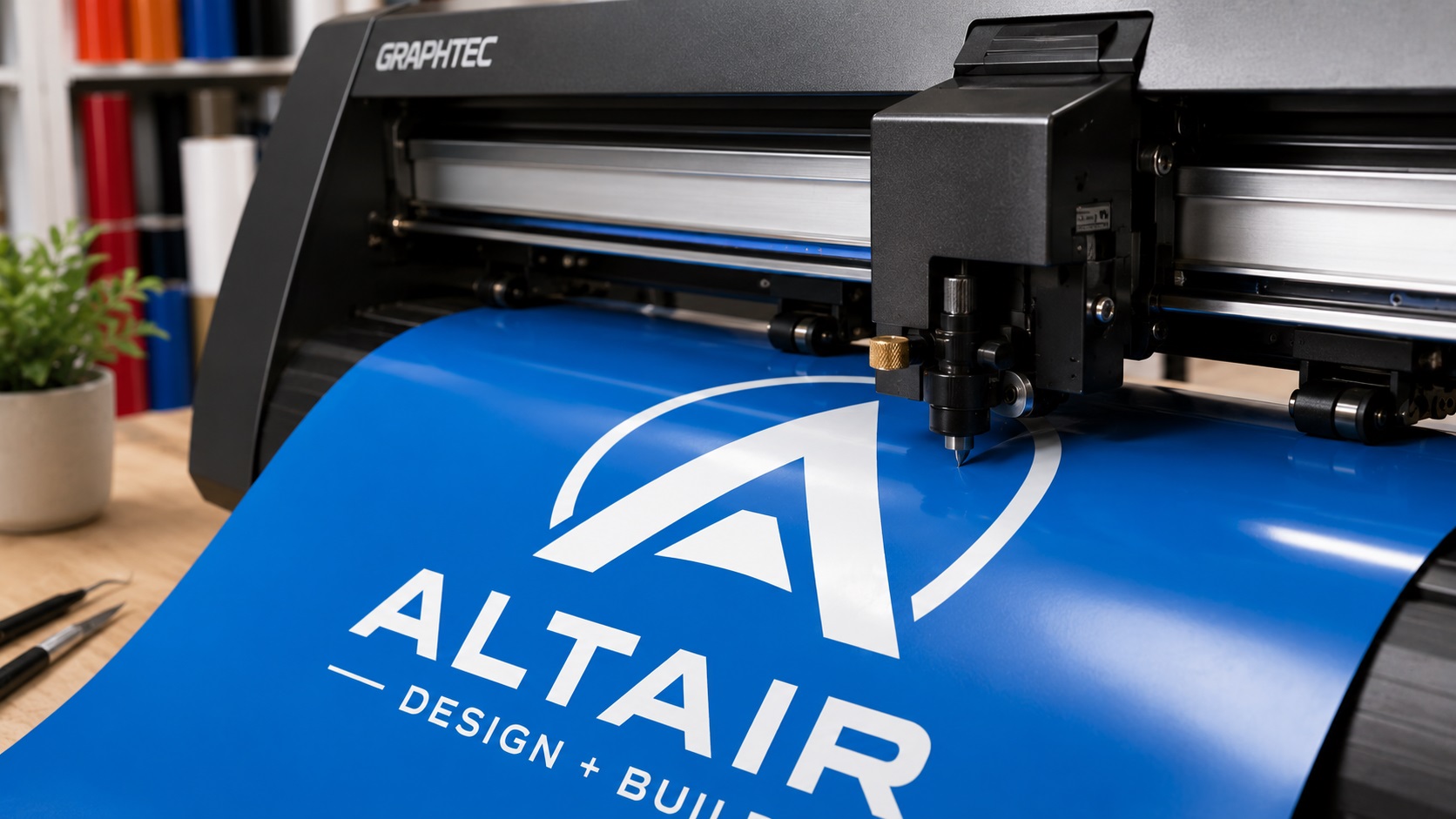
Vinyl cutting and heat transfer printing are two of the most popular ways to put a logo or design on a product. Shirts, hats, tote bags, mugs, phone cases, and dozens of other items get decorated this way every day. But not every logo translates well to these processes, and the results can range from perfect to frustrating depending on how the artwork is set up.
Quick Answer
For vinyl cutting and heat transfer, the best logo file is clean vector artwork with closed paths, simple shapes, limited tiny details, and no raster-only effects. SVG, EPS, AI, or PDF files are usually better than PNG or JPG because cutting machines follow paths, not pixels.
Relevant VectorFixer service: Vector Cleanup Service.
If you are planning to cut vinyl or use heat transfer vinyl for your business or personal projects, here is what makes a design work well and what tends to cause problems.
How Vinyl Cutting Actually Works
A vinyl cutter, whether it is a professional machine or a home device like a Cricut or Silhouette, uses a small blade to cut through vinyl material following a path that you define in your design software. The machine does not see colors or shading. It only follows lines and paths.
This is why the file format matters so much. The machine needs a vector file with clean, defined paths. It is reading the shape of every cut, not the appearance of an image.
Heat transfer vinyl works the same way for cutting. You cut the design from the vinyl sheet, weed out the parts you do not want, and then press the remaining vinyl onto your garment using a heat press.
The File Has to Be a Vector
This point comes up in almost every printing and cutting context, but it is especially important here because the cutter is literally tracing a path with its blade. If your design is a PNG or JPG, the cutter cannot read it directly. Most cutting software will attempt to trace a raster image to create cut lines, but for anything beyond a very simple silhouette, the automatic trace usually produces rough, uneven paths that cut poorly.
A properly built SVG file, or another vector format like AI or EPS, gives the cutter precise paths to follow. The cuts are clean, the shapes are accurate, and the weeding process is much easier.
Design Characteristics That Cut Well
Some design choices make vinyl cutting significantly easier and produce better results.
Bold, Solid Shapes
Thick shapes with clear outlines cut cleanly and hold together well in the vinyl. Very thin lines can be difficult to cut accurately and even harder to weed without tearing. As a general rule, any line or element in your design should be at least 1.5 to 2 millimeters wide at the final cut size.
Limited Colors
In vinyl cutting, each color in your design is a separate layer of vinyl. A three-color design means cutting three separate pieces of vinyl and pressing them one at a time in layers. This is manageable. A twelve-color design becomes a much longer and more expensive process.
For most vinyl cutting projects, keeping the design to one to four colors produces the best results in terms of time, cost, and quality.
No Gradients
Gradients do not work in vinyl cutting because vinyl comes in solid colors. A color that fades from dark to light cannot be cut from a single sheet of vinyl. If your design includes a gradient, it needs to be replaced with solid flat colors before it will work for this process.
Specialty vinyl materials like printed heat transfer vinyl can replicate gradients, but that is a different process from standard vinyl cutting.
Text That Is Large Enough to Cut
Text with very small lettering is one of the trickiest things to cut and weed. The tiny spaces between and inside letters can be nearly impossible to remove cleanly, especially in fine or script fonts.
A good rule of thumb is to keep text at least half an inch tall at the final cut size for block or sans-serif fonts. Script or handwriting fonts often need to be even larger because of their thinner strokes.
If your design includes a tagline or small text, consider whether it actually needs to be cut, or whether the main logo mark alone works better for this application.
Closed Paths and Properly Structured Files
Every shape in your SVG needs to be a closed path. An open path is a line that does not connect back to itself, and it will either cut incorrectly or not behave the way you expect. Good vector software and careful design work ensures all paths are closed before cutting.
Shapes that overlap also need to be merged or properly structured so the cutter knows exactly which outline to follow. Overlapping paths can create extra cut lines in places you do not want them.
What Needs to Be Adjusted Before Cutting
If you have an existing logo that you want to adapt for vinyl cutting, a few things may need to change.
Gradients need to be replaced with flat colors. Very thin lines need to be thickened. Very small text may need to be removed or simplified. Any raster elements embedded in the design need to be replaced with proper vector paths. And the overall design may need to be simplified to reduce the number of cut colors.
This kind of adaptation is part of what professional vectorization and logo cleanup services handle. A designer can take your existing logo, assess what needs to change for vinyl cutting, and produce a clean file that cuts properly without a lot of trial and error on your end.
Tips for Better Results When Cutting
Even with a perfect file, a few practical habits help your vinyl projects come out well.
Always do a test cut before committing your full sheet of vinyl. A small test with a few shapes from your design tells you whether the blade depth and speed settings are right for that particular material.
Weed carefully and use good lighting. Weeding out small details is much easier under bright light or a light box, where you can clearly see the cut lines.
Let your heat press warm up fully before pressing. Inconsistent temperature is one of the most common causes of transfer problems.
Follow the manufacturer's recommended time, temperature, and pressure for the specific vinyl you are using. Different brands and types of heat transfer vinyl have different requirements.
Need cleaner cut paths for vinyl or heat transfer?
If your SVG has rough edges, open paths, tiny details, or failed cuts, VectorFixer can clean the artwork before you send it to production. Use the project submission form to upload the artwork and include any vendor requirements.
Related Guides
Frequently Asked Questions
Can I cut a PNG file on my Cricut or Silhouette?
You can upload a PNG and the software will attempt to trace it, but the results are inconsistent, especially for logos with multiple parts or fine details. A clean SVG file always produces better cuts.
What is the minimum size text can be cut in vinyl?
This depends on the font and the cutter, but a safe starting point is around half an inch tall for simple block fonts at final cut size. Script fonts and thin serif fonts usually need to be larger. Always test cut text before committing to a full production run.
Can I cut a logo with a gradient in vinyl?
Not with standard solid-color vinyl. Gradients need to be removed and replaced with flat colors. Printed heat transfer vinyl can replicate gradients, but it is a different process with different file requirements.
How do I know if my SVG is set up correctly for cutting?
Open it in your cutting software and check that the cut lines appear where you expect them. Look for any stray paths or extra cut lines around shapes that should be solid. Do a test cut on scrap material before cutting your final vinyl.
My design has ten colors. Can it still be cut in vinyl?
Technically yes, but it becomes very labor-intensive and expensive. For most projects, simplifying to four or fewer colors produces much more practical results. A designer can help you reduce the color count while keeping the logo recognizable.
Need artwork converted?
VectorFixer can redraw logos, convert PNG files to SVG, and prepare clean production-ready vector files.
Contact Us