Guides for Vector Files, SVG Conversion, and Logo Redraws
Learn what vector files are, why logos print blurry, and how manual vectorization improves artwork quality.
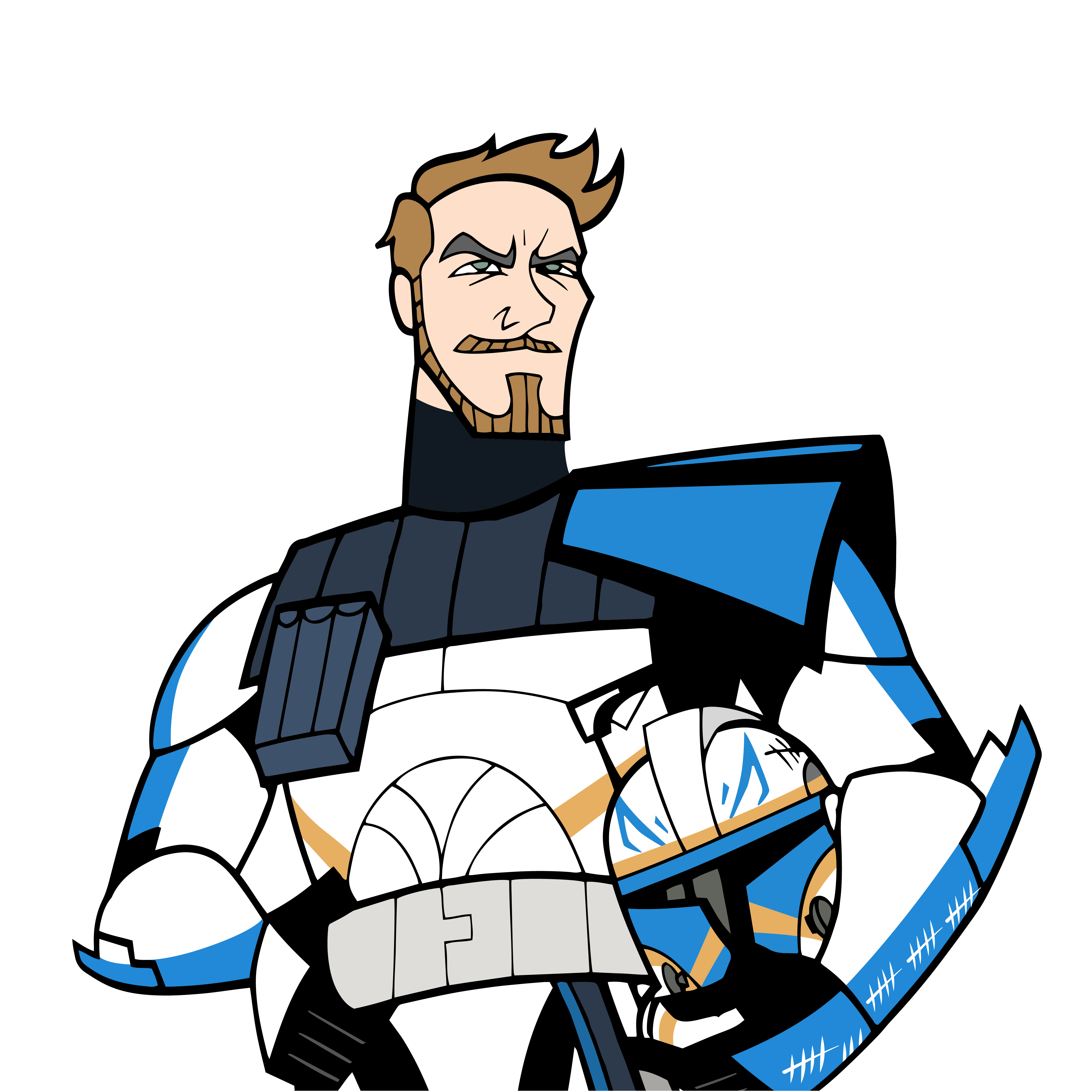
Character artwork
Before
After
Character artwork redrawn with its blue background removed. The finished image is an artwork preview.
Before preview lightly blurred. Open either image for the unaltered file.
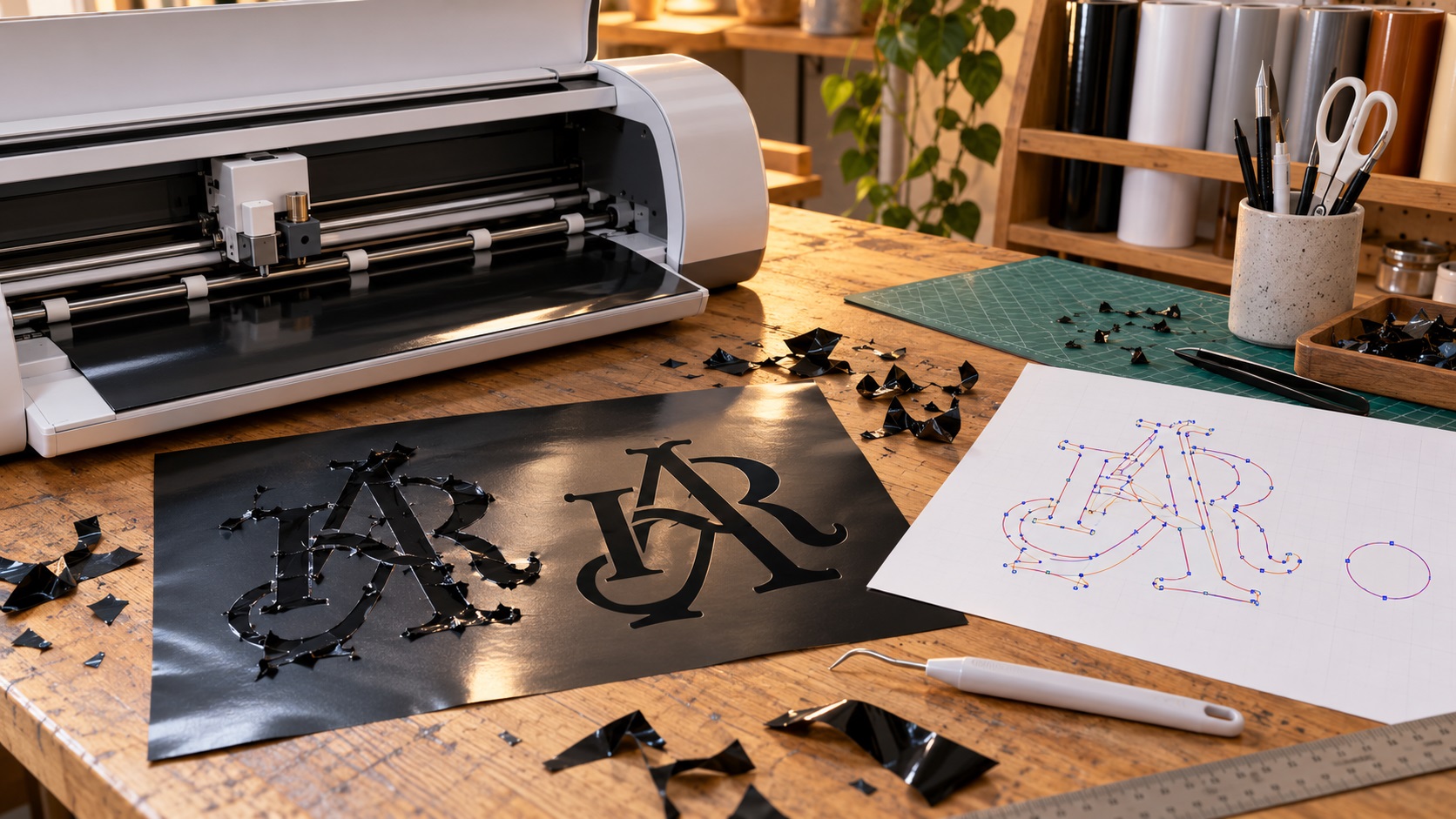
Why Your SVG Logo Won't Cut Cleanly in Cricut or Silhouette
October 21, 2026
An SVG can look perfect but still cut with extra lines, missing holes, or dozens of unwanted pieces. Learn how to check the paths and prepare cleaner artwork for Cricut, Silhouette, and vinyl cutters.
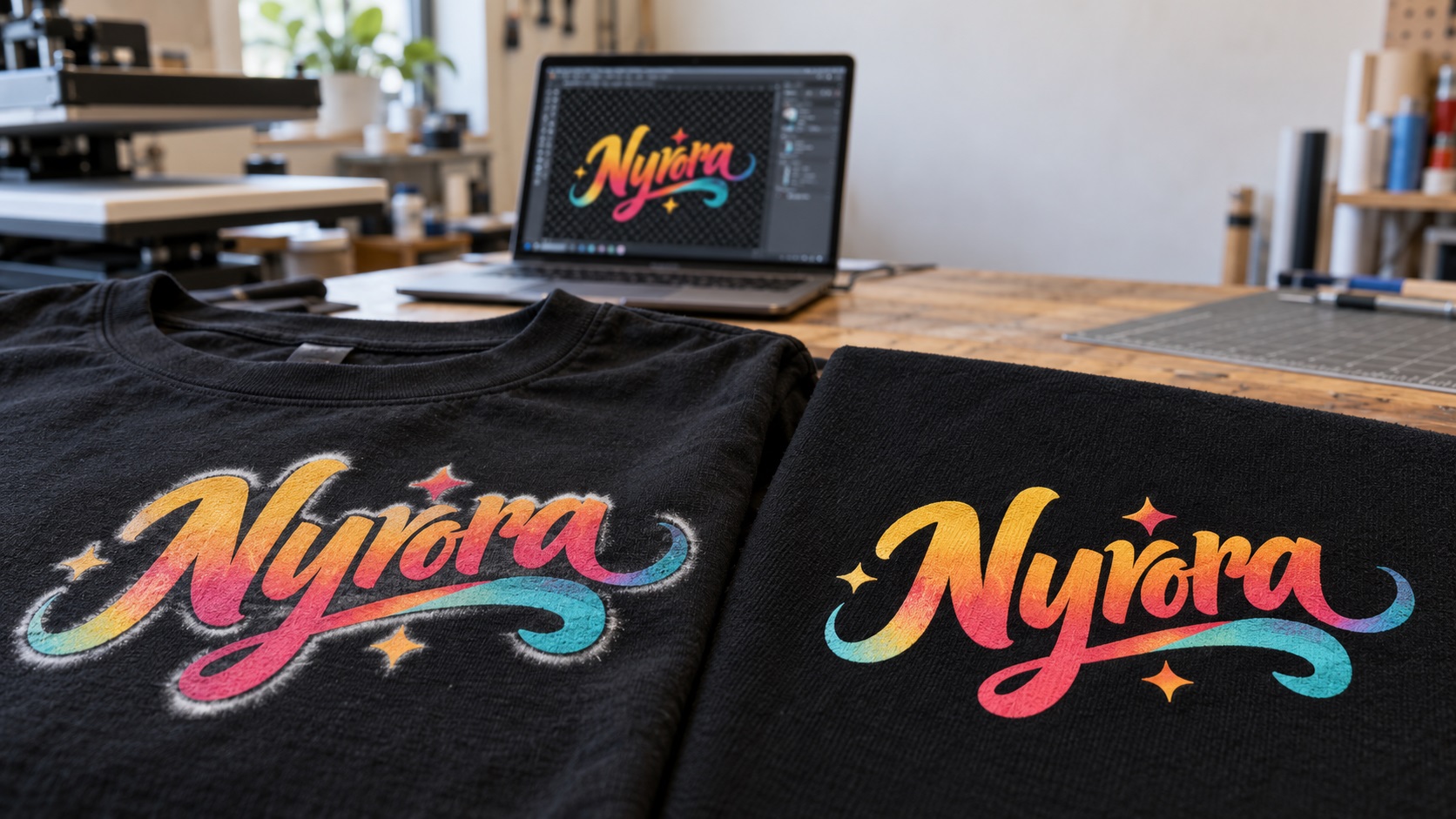
Why Your DTF Logo Has a White Halo and How to Fix the Artwork
October 21, 2026
A white ring around your DTF logo can come from leftover image pixels or white-ink setup. Learn how to find the cause, clean your artwork, and avoid another bad transfer.
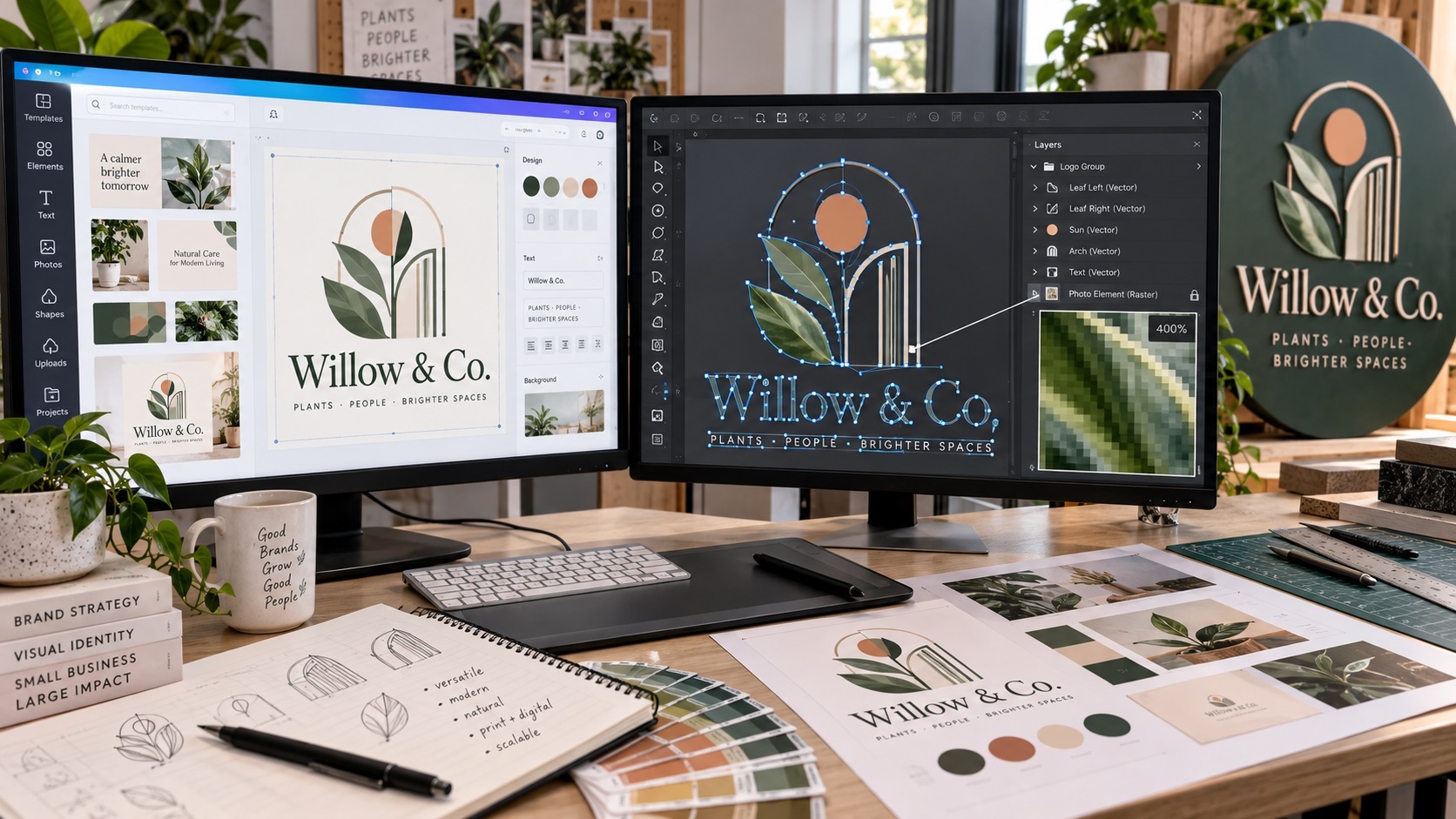
Is a Canva SVG Really a Vector File? What to Check Before Sending It to a Printer
October 15, 2026
Canva can export SVG files, but the file extension alone does not guarantee every element in your logo is true vector artwork. Here is how to check what you actually have before sending it to a printer, sign shop, or production vendor.
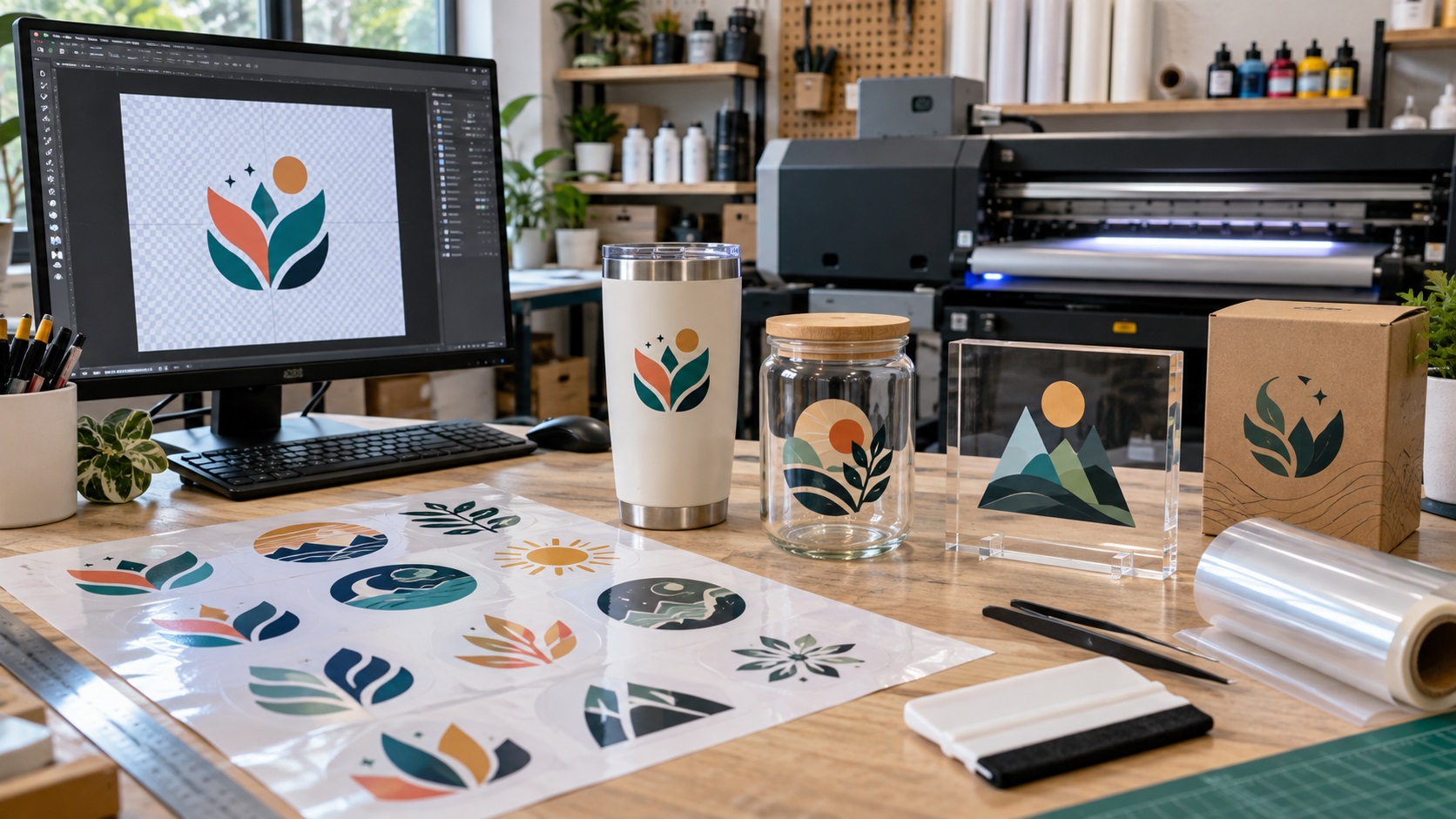
What File Do You Need for UV DTF Transfers? A Practical Guide for Logos and Decals
October 15, 2026
Ordering UV DTF transfers for tumblers, glass, packaging, or other hard surfaces? Here is what file to send, how to handle transparency and small details, and what to check before your artwork goes to print.
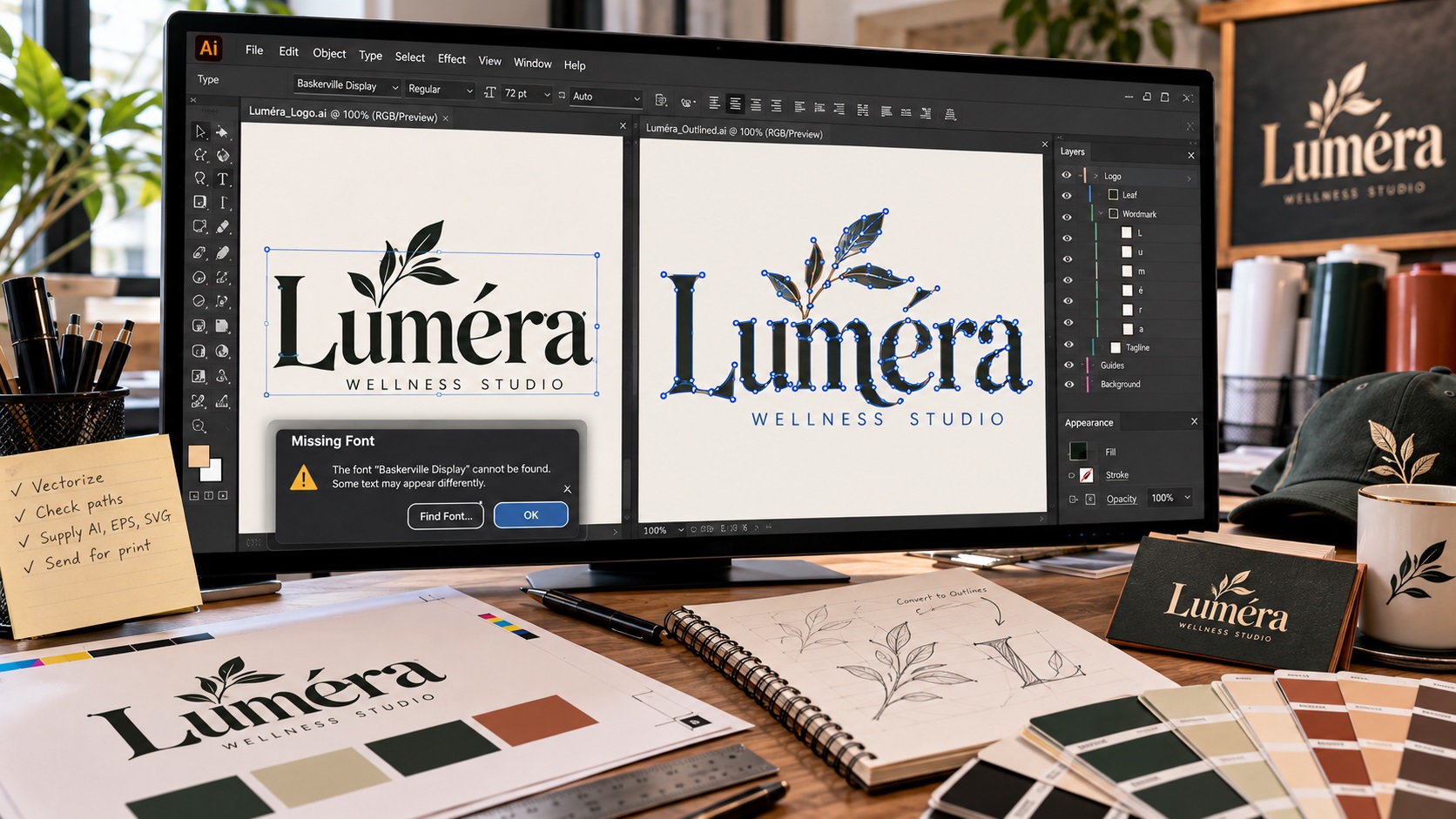
Why Printers Ask You to Convert Fonts to Outlines Before Sending Artwork
October 14, 2026
Printers often ask for fonts to be converted to outlines before production. Here is what that means, why missing fonts cause problems, and when you should keep an editable text version too.
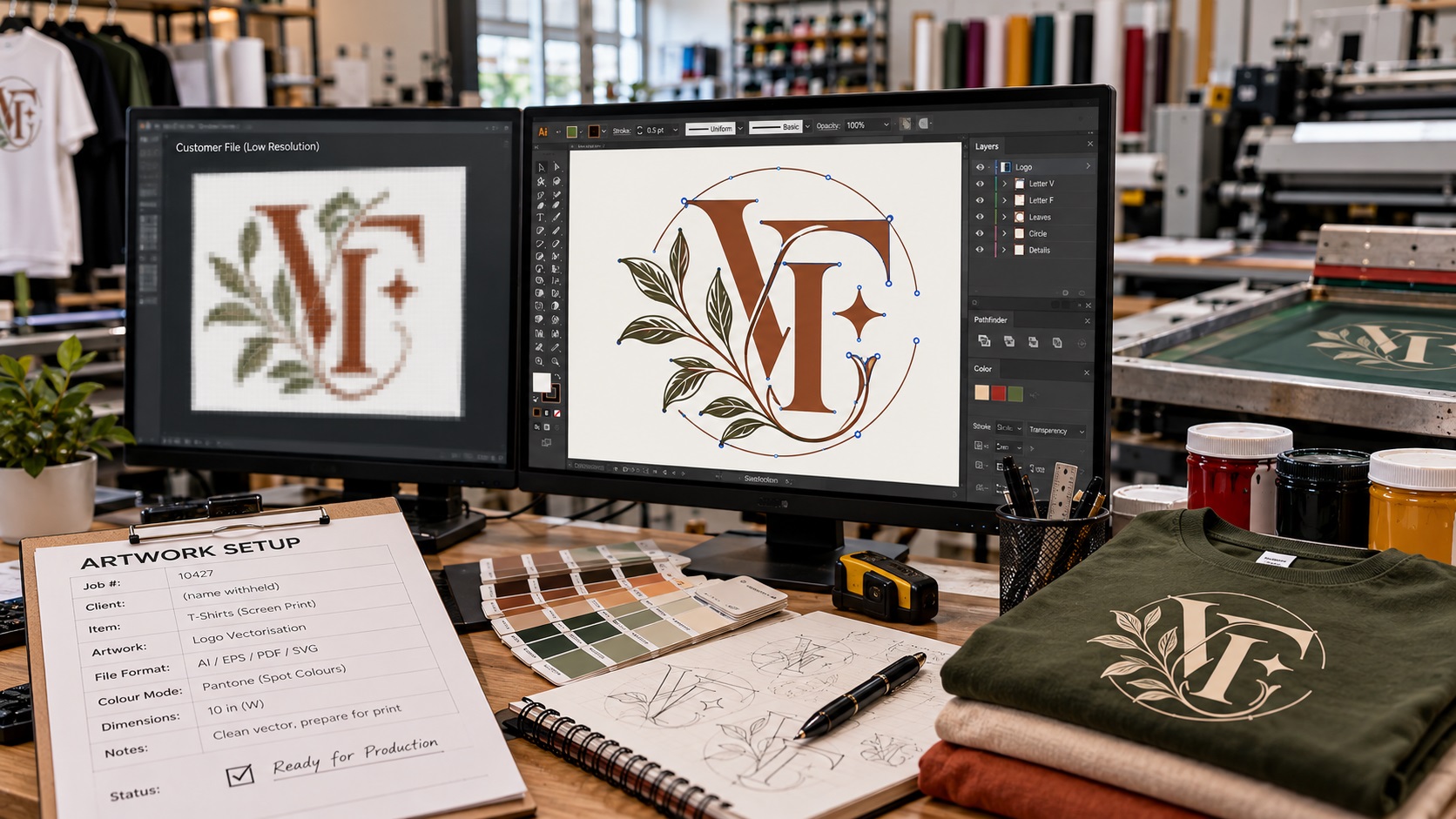
Why Does a Print Shop Charge an Artwork Fee to Fix Your Logo?
October 14, 2026
A print shop may charge an artwork fee even when you already have a logo. Here is what that fee usually covers, when it is reasonable, and how to avoid paying for the same file problem again.
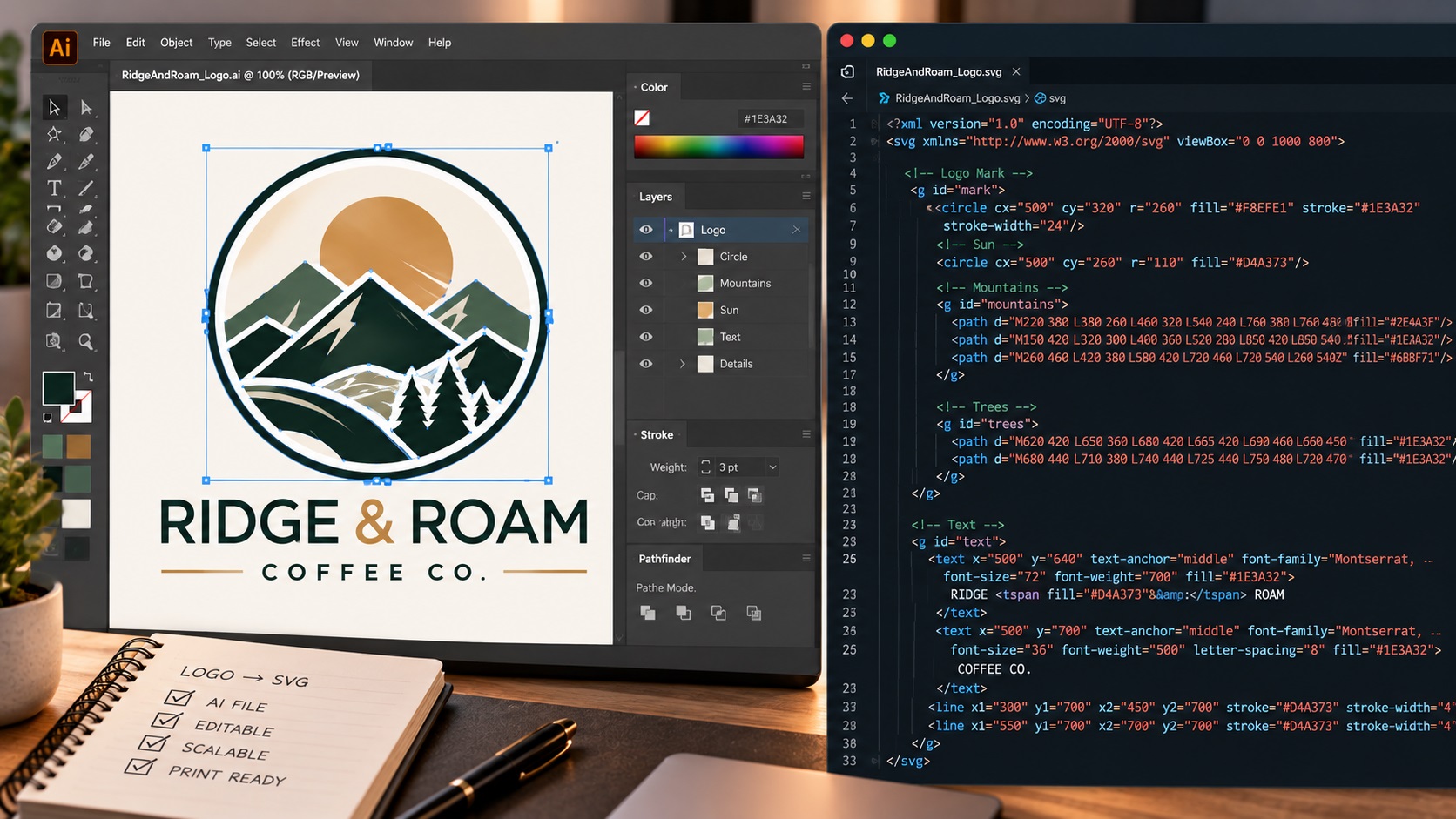
Can AI Tools Now Output Real Vector Files? What Recraft and Others Actually Deliver
October 12, 2026
AI tools like Recraft now claim to output real SVG vector files. Here is what is actually inside an AI-generated SVG and whether it is genuinely production-ready.
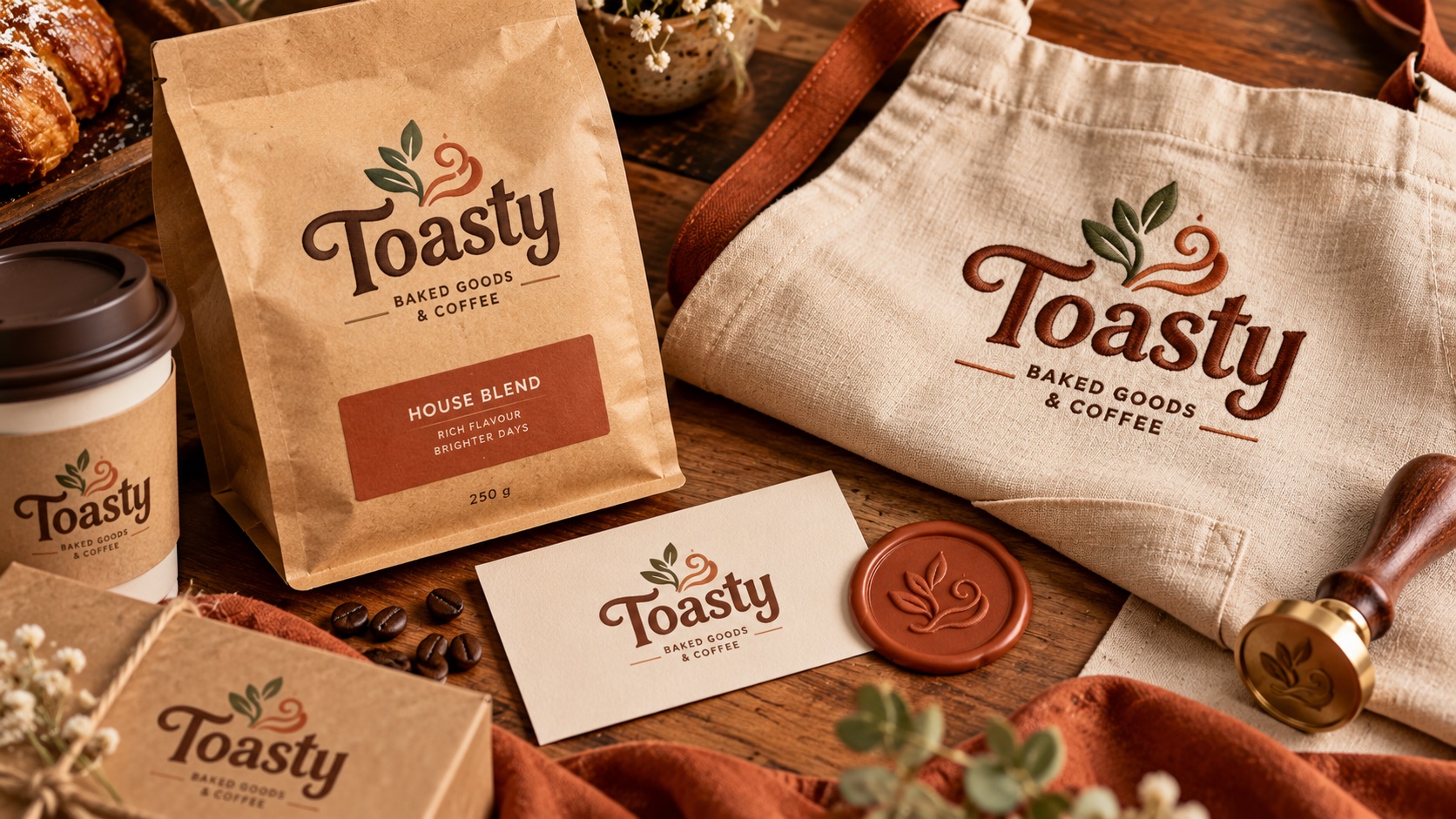
What Are Toasty Logos and How Do You Get Them Production Ready?
October 12, 2026
Toasty Logos are one of 2026's warmest design trends. Rounded forms, earthy palettes, and organic textures need specific handling for production. Here is how to get them ready.
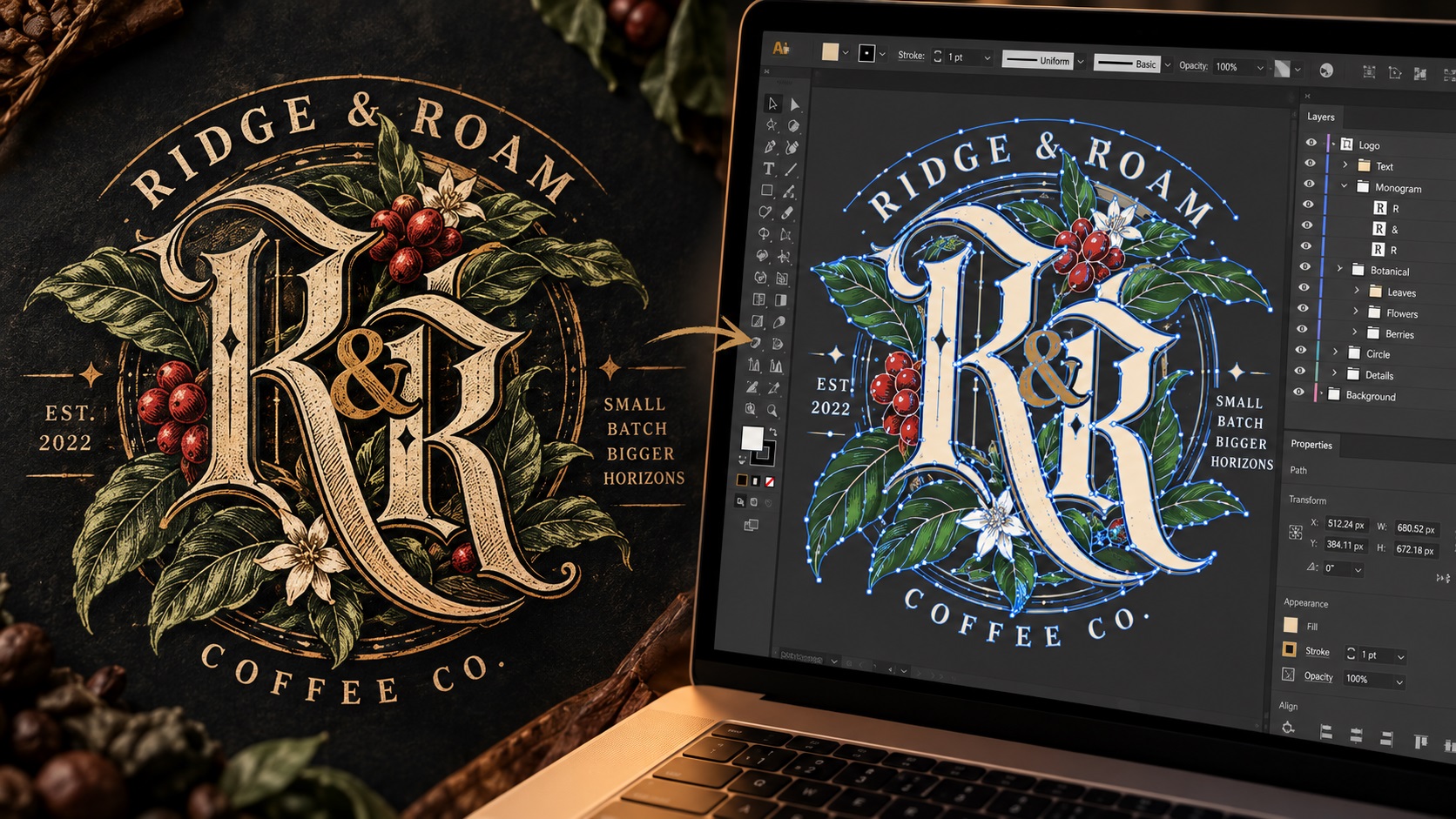
How to Vectorize Crafted Linework and Gothic Logos
October 10, 2026
Crafted linework and gothic logos are among the most technically demanding to vectorize. Here is what makes them different and how to approach production correctly for this style.
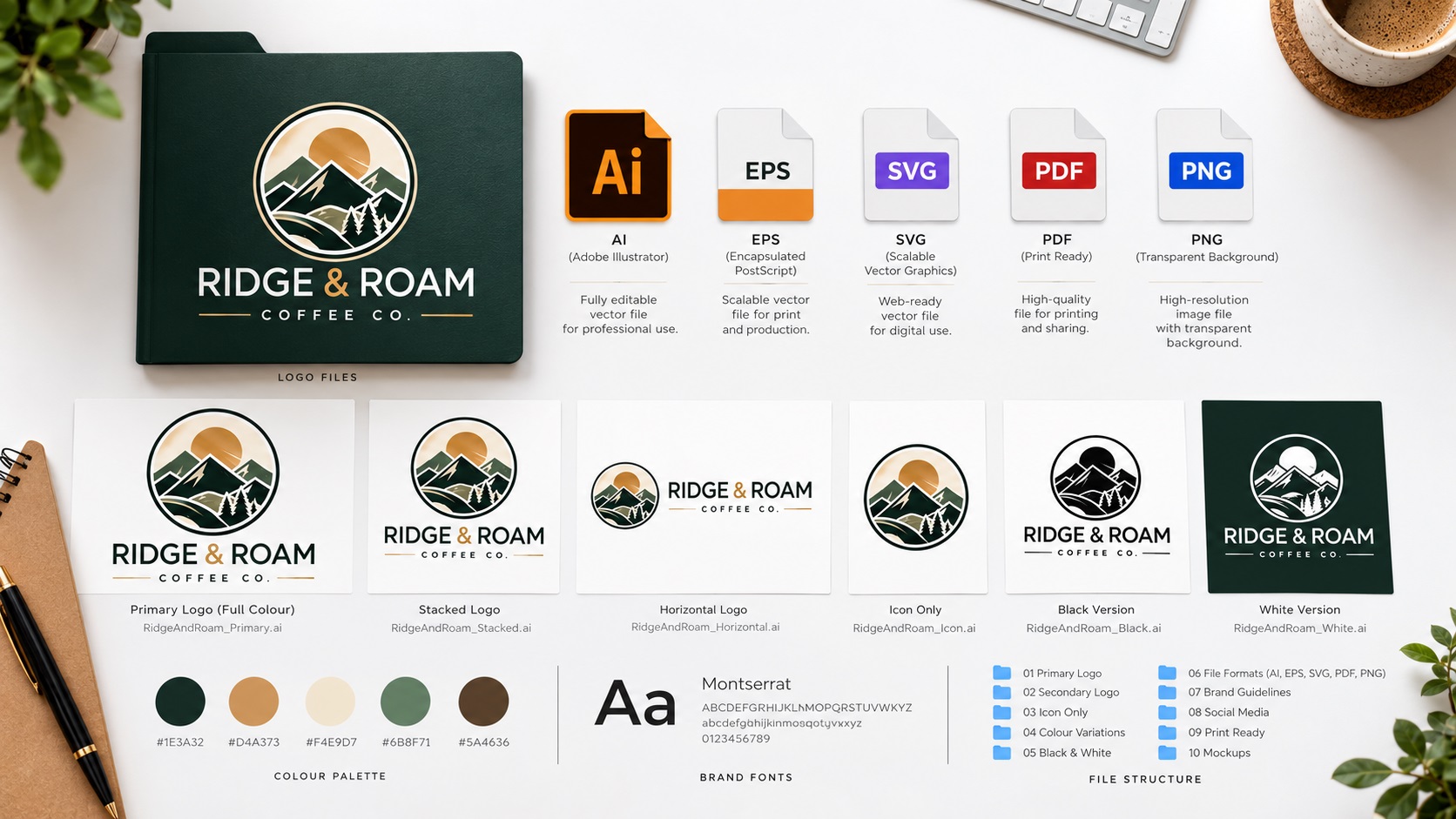
How to Send Your Logo to Any Supplier Without Getting It Rejected
October 8, 2026
Supplier keeps rejecting your logo file? The fix is a complete set of properly prepared files so you always have the right format ready. Here is exactly what you need.
How to Prepare a Logo for Garment Printing in 2026
October 8, 2026
Garment printing uses multiple methods in 2026 and each needs a different file setup. Here is how to prepare your logo correctly for screen printing, DTG, DTF, embroidery, and more.
Why Stamp and Seal Logo Styles Work So Well for Physical Production
September 29, 2026
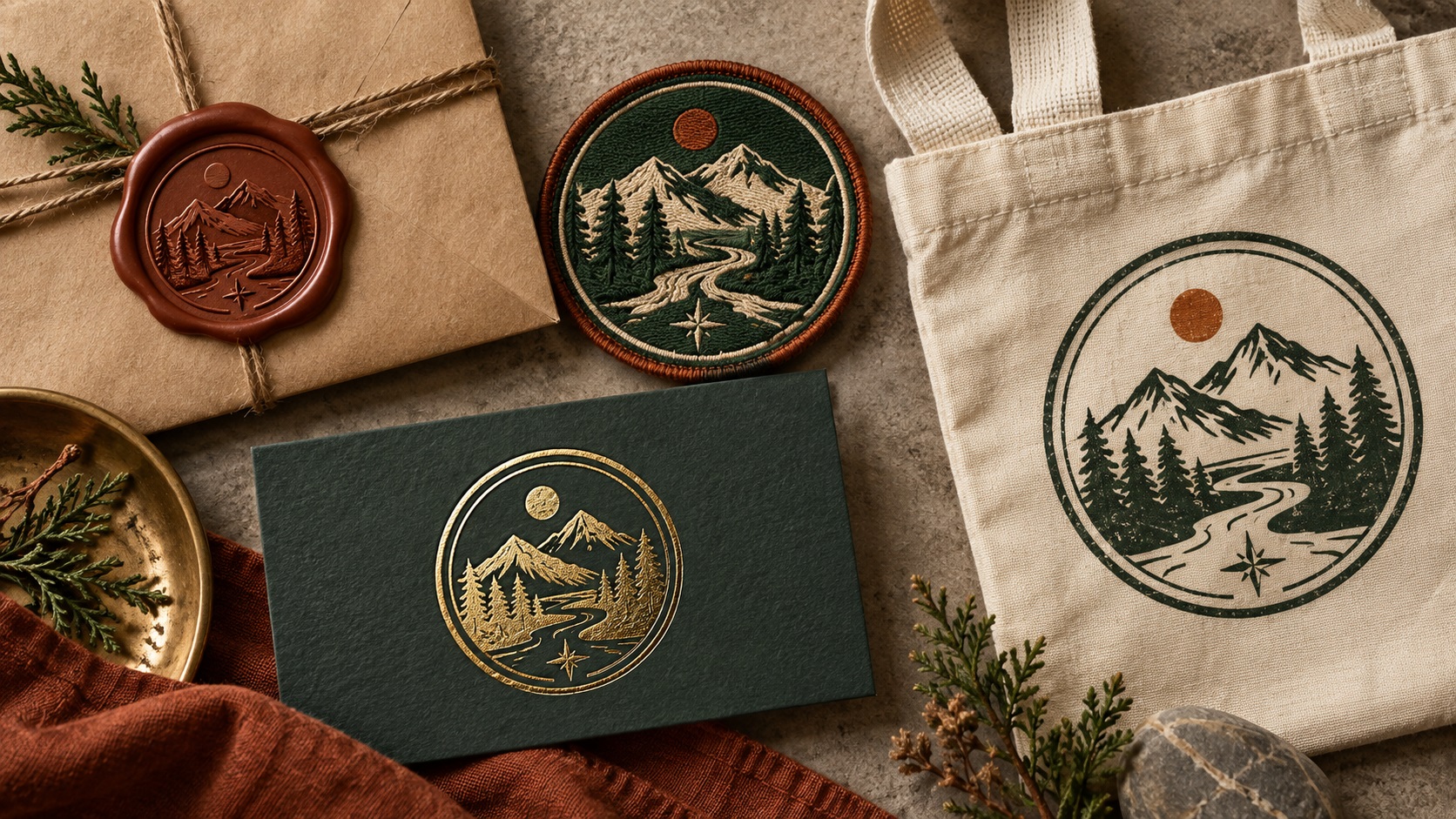
Stamp and seal logos are trending in 2026 and they are also among the most versatile formats for physical production. Here is why and what vector file structure they need.
What Adaptive and Morph-Mark Logos Mean for Your File Set
September 29, 2026
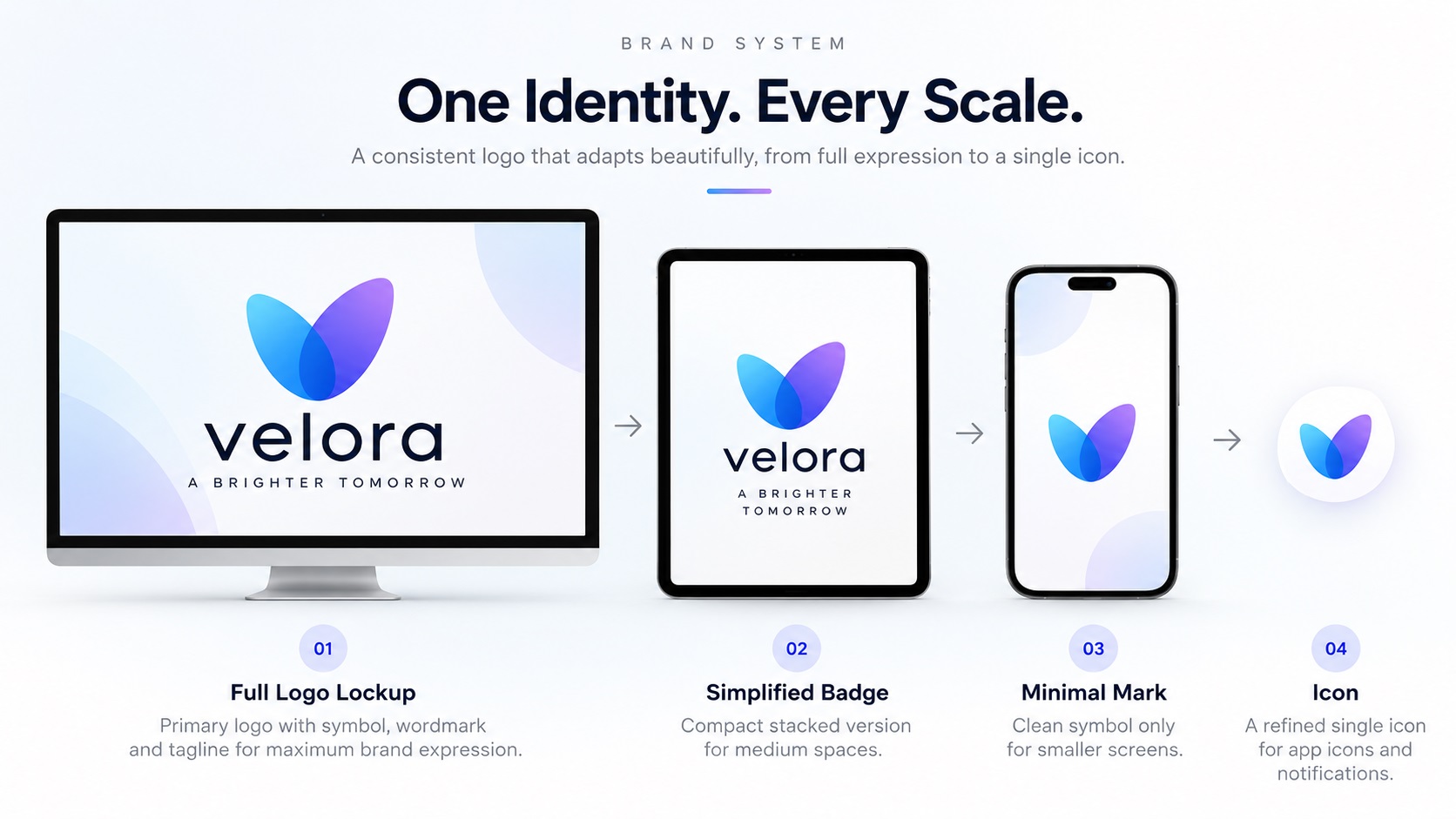
Adaptive logos are one of the biggest design concepts of 2026. Here is what they mean in practice for most businesses and what files an adaptive system actually needs.
How to Name Your Logo Files So Anyone on Your Team Can Use Them
September 28, 2026
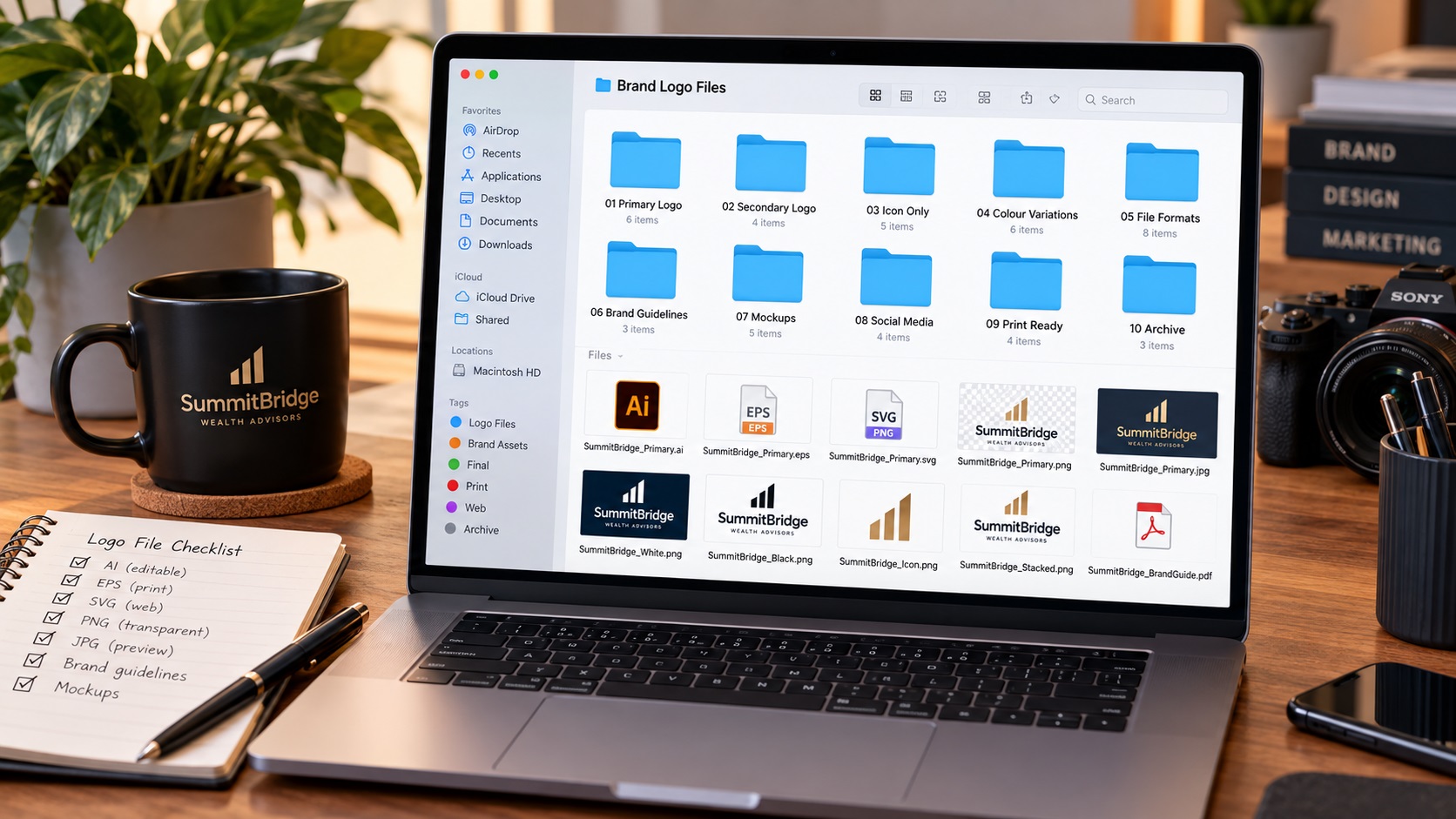
A logo folder full of files named final_v2_USE_THIS_ONE is not a brand asset library. Here is a simple naming system that makes the right file findable in seconds.
How to Prepare a Logo for Enamel Pins and Metal Products
September 27, 2026
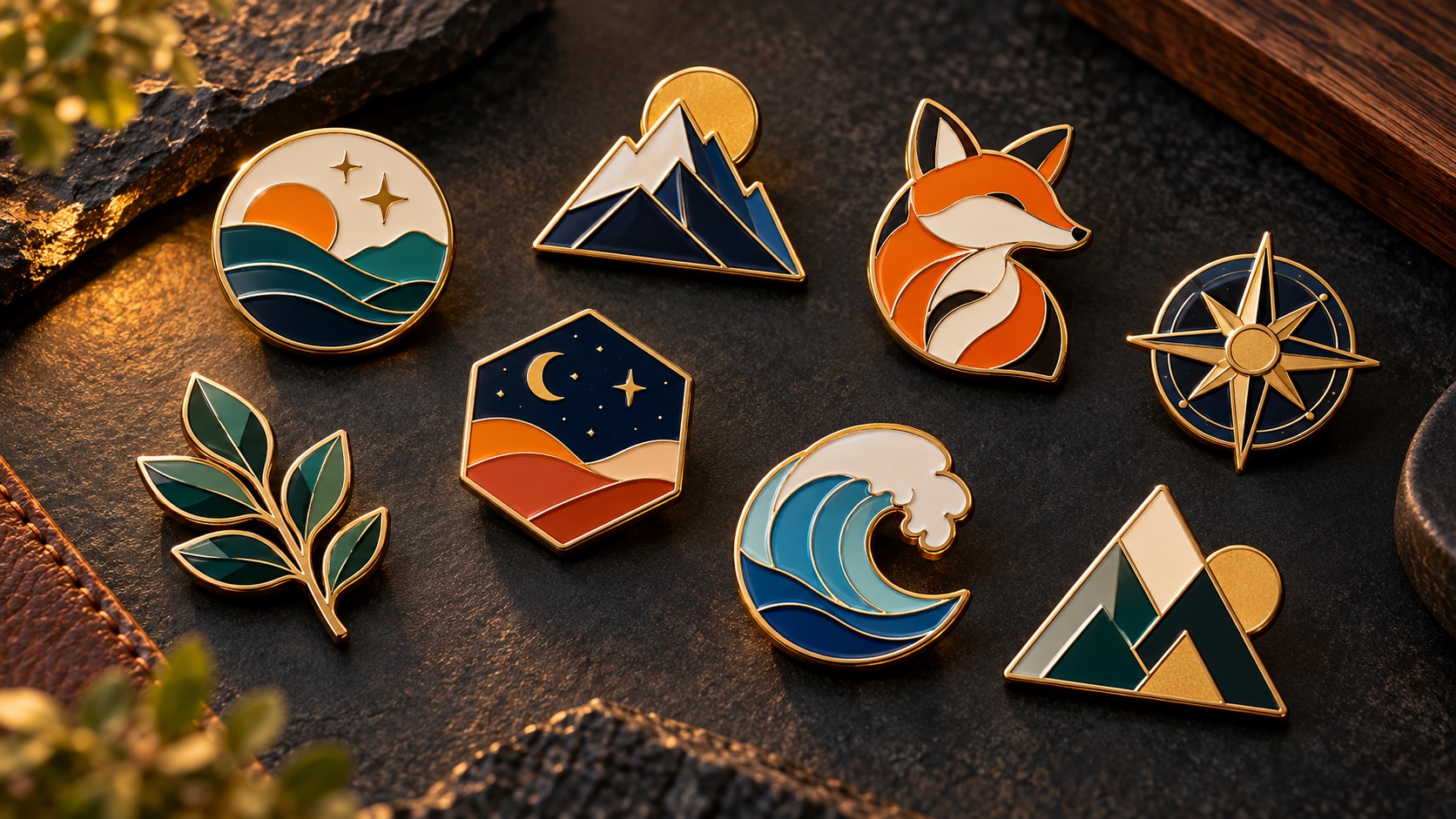
Enamel pins and metal products have strict design constraints around line width, color count, and detail. Here is how to prepare your logo for pin production and what file the manufacturer needs.